
Why we built this
Most DJs turn up, play the music, and that's the relationship. We wanted couples to get more out of booking Tinsel Tim than just a great party — so we built a full set of free wedding planning tools that anyone can use, whether you book us or not, to take the stress out of the months before the wedding. Have a browse below.
Start here
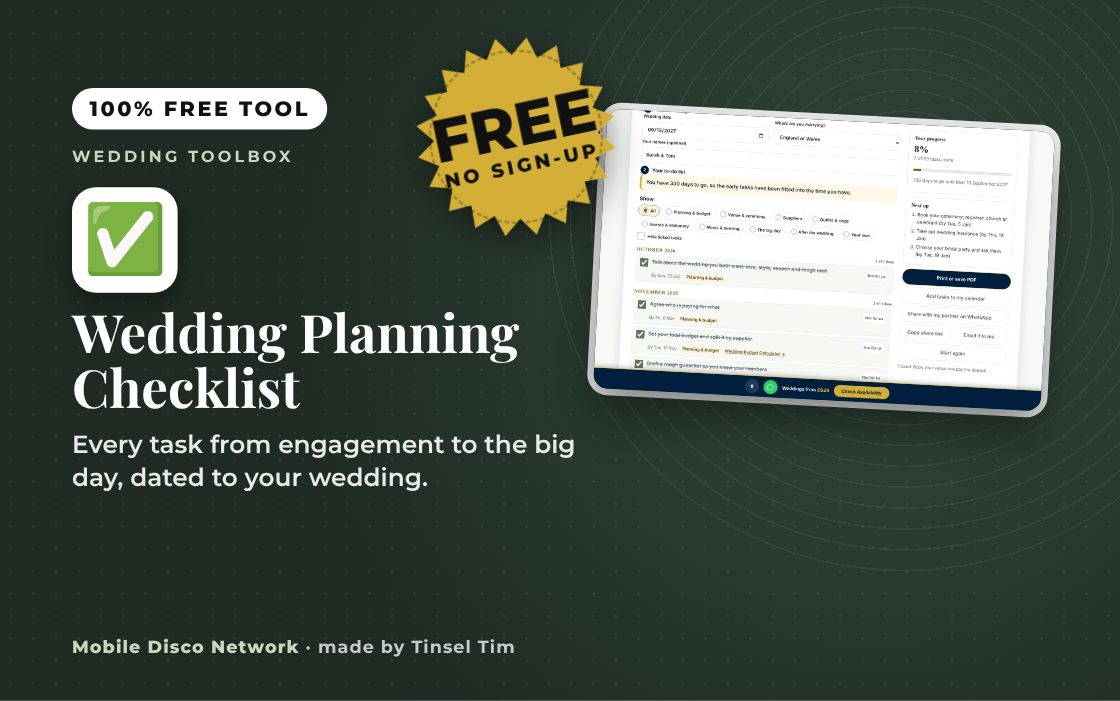
Your wedding planning checklist, month by month
Enter your wedding date and get every task from engagement to the big day, each with its own due date. It shows when to give legal notice where you live, and each task links to the free tool that helps you do it.
Open the free checklist →Where Do I Start?
If this is your first time planning a wedding, 62 wedding planning tools can look like a lot. Click through the phases below in order — each one shows exactly which tools to reach for and when, so you're never guessing what comes next.
1. Just got engaged
2. Book the big pieces
3. Plan the ceremony & words
4. Guests & logistics
5. Food, drink & style
6. Final countdown
7. After you say I do
Plan the big picture
Nail down the date and get the essentials moving.
Plan the big picture
Nail down the date and get the essentials moving.



Legal, ceremony & speeches
The running order and the words on the day.
Legal, ceremony & speeches
The running order and the words on the day.



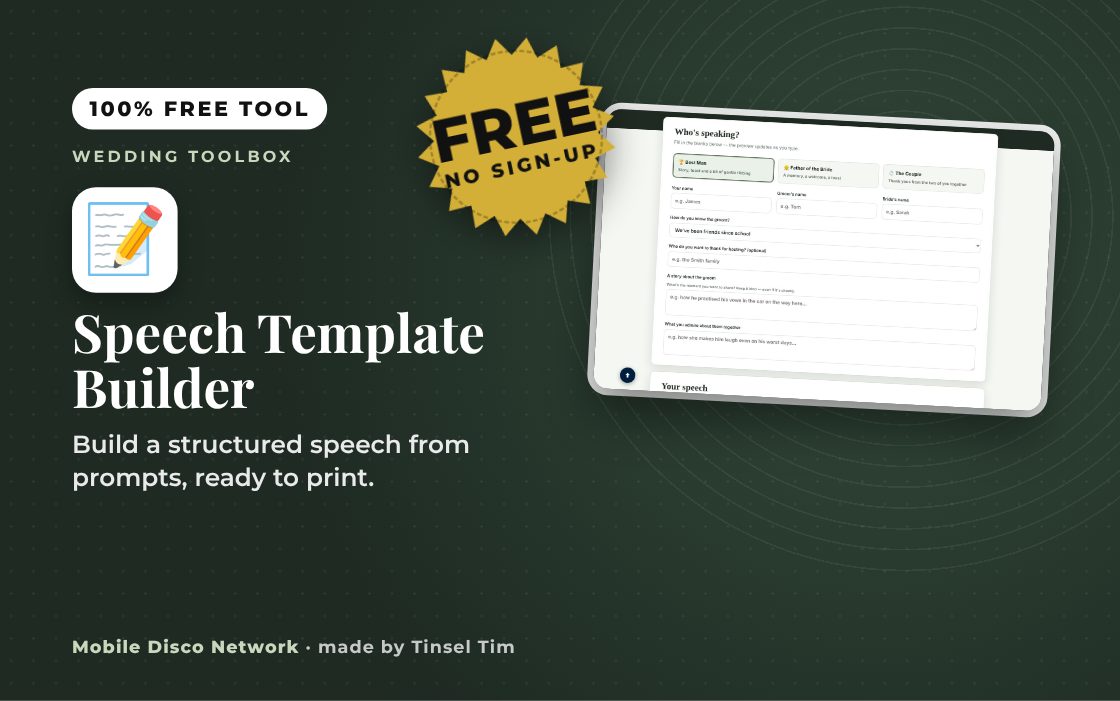
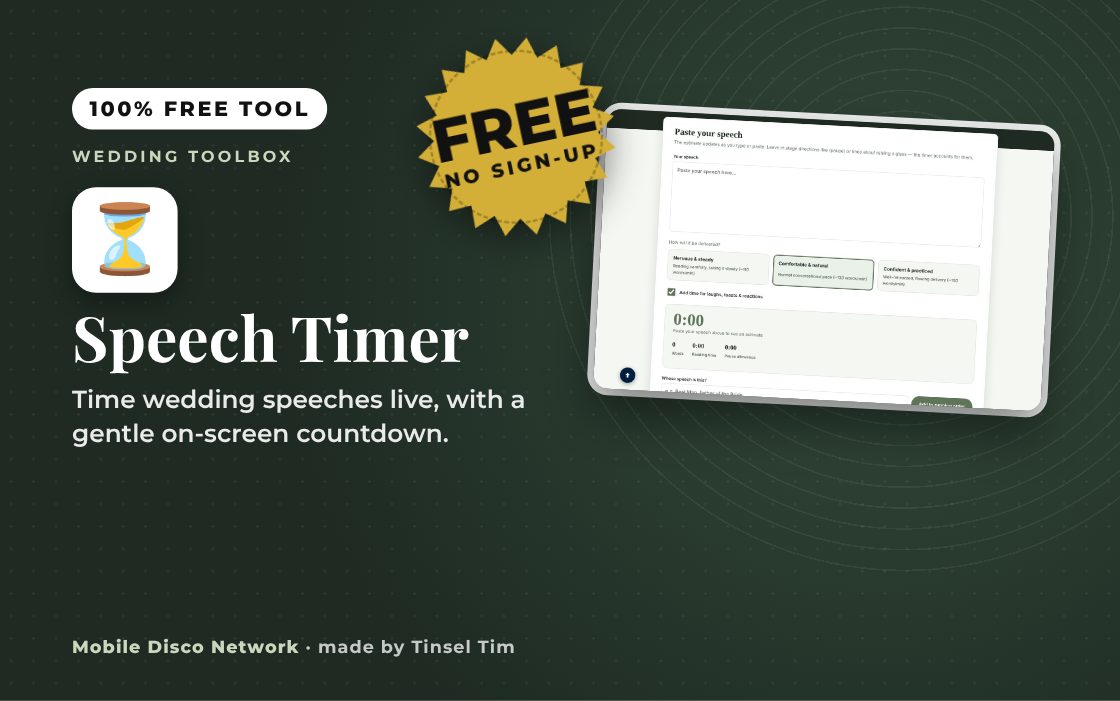
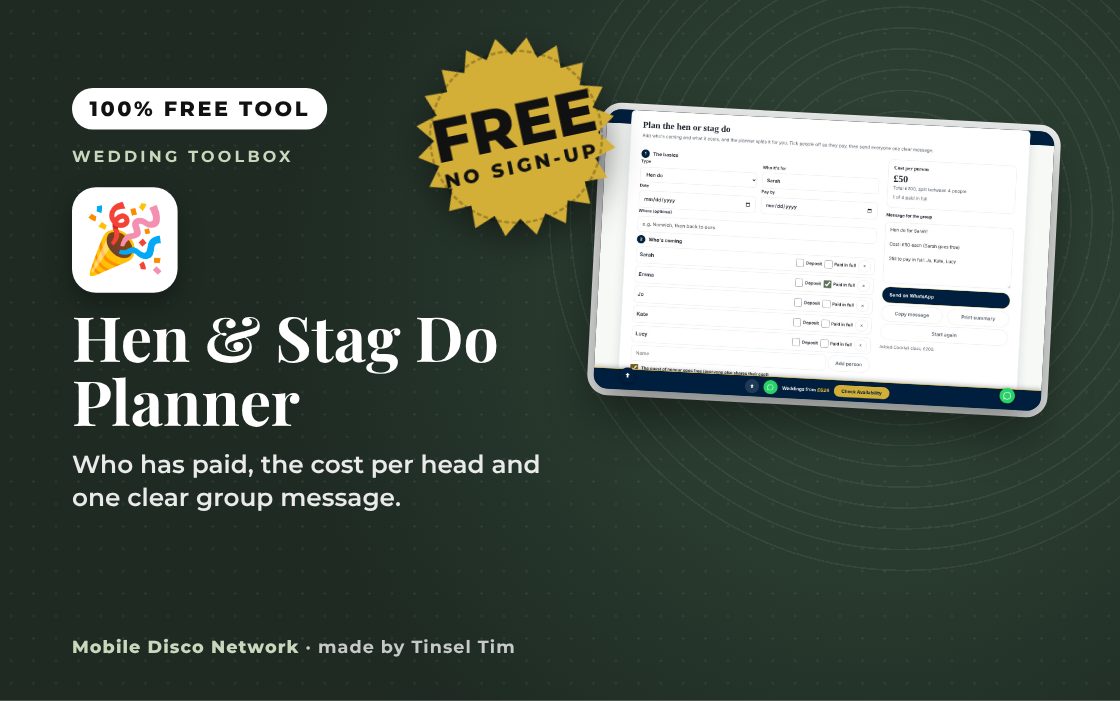
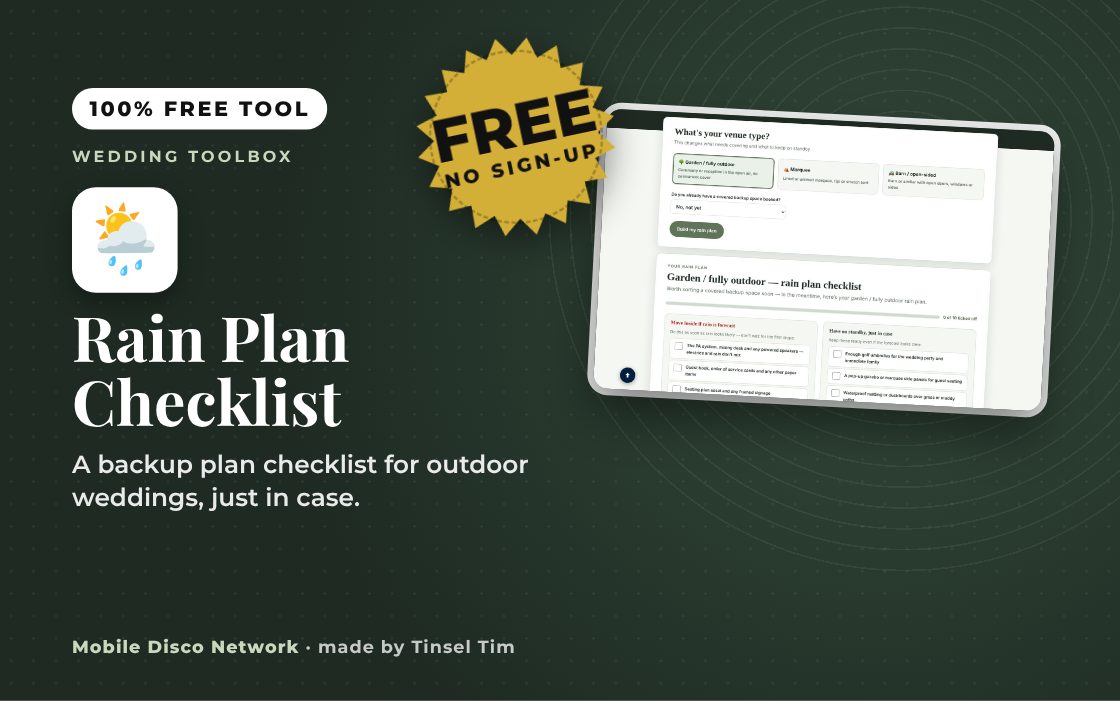
Guests & logistics
Look after everyone from the invite to the last taxi home.
Guests & logistics
Look after everyone from the invite to the last taxi home.




Food & drink
Guest-friendly menu ideas to get you thinking.
Food & drink
Guest-friendly menu ideas to get you thinking.
Style, music & memories
The look, the songs and the moments you'll want to keep.
Style, music & memories
The look, the songs and the moments you'll want to keep.






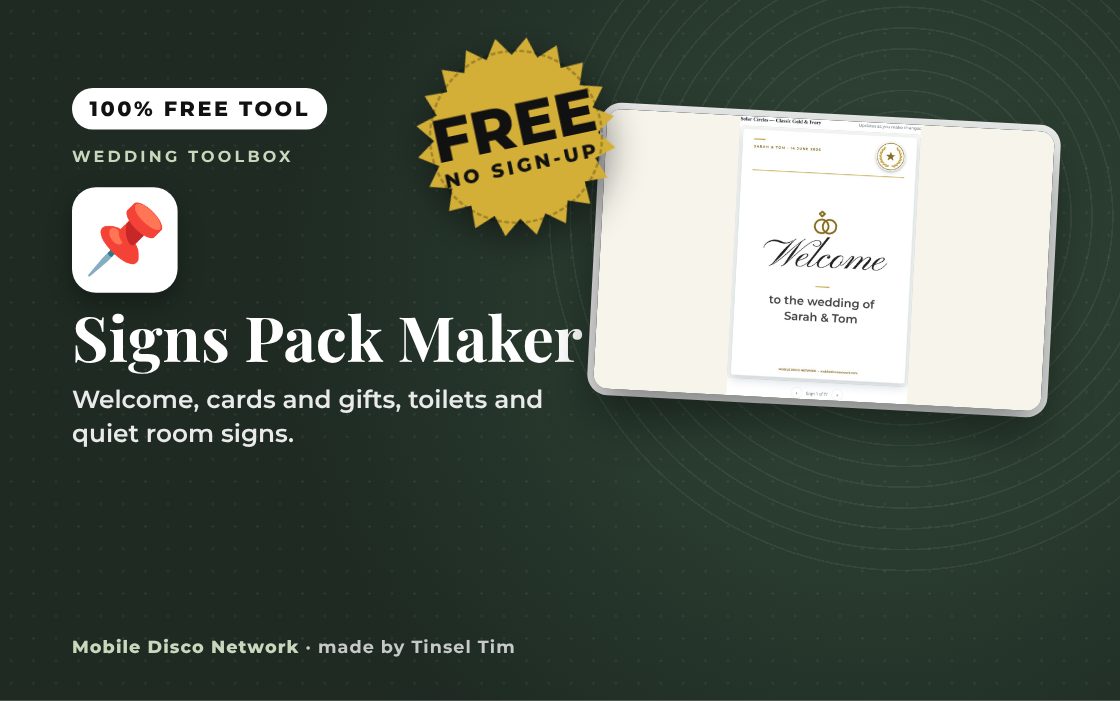
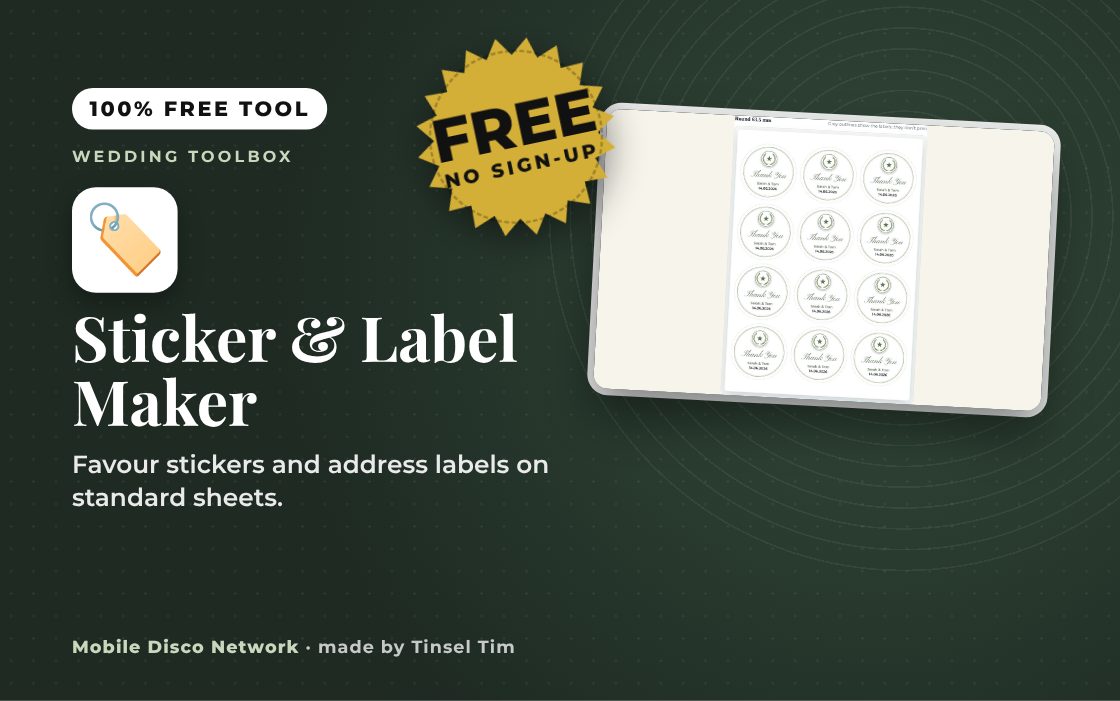
Print your own stationery
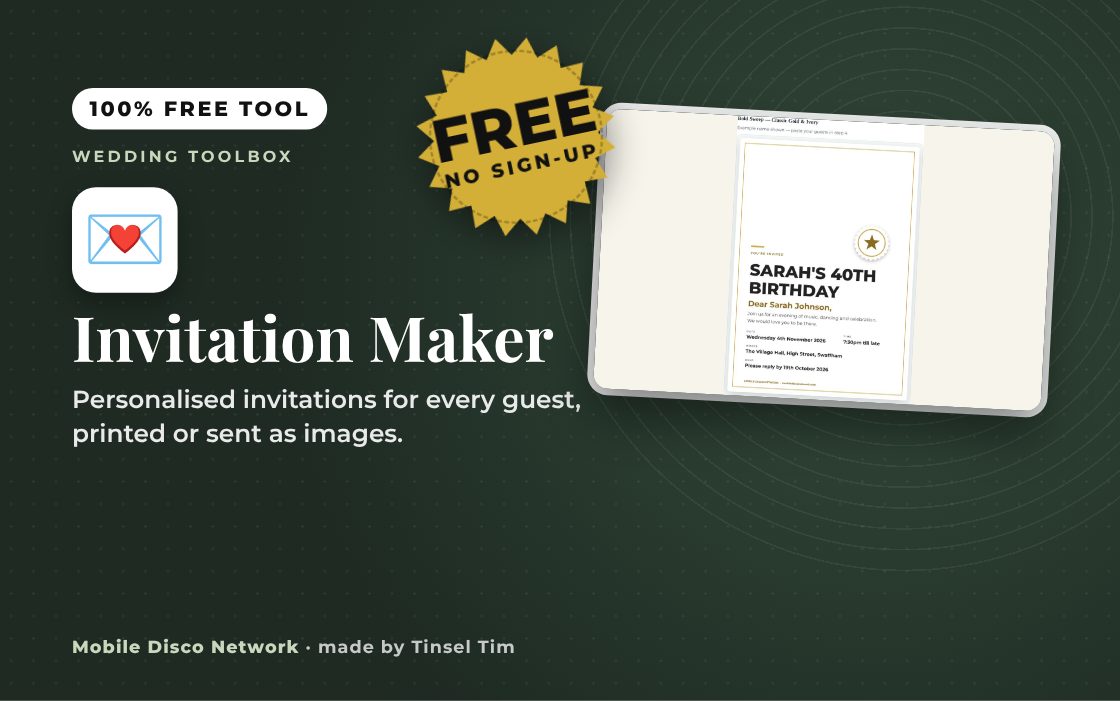
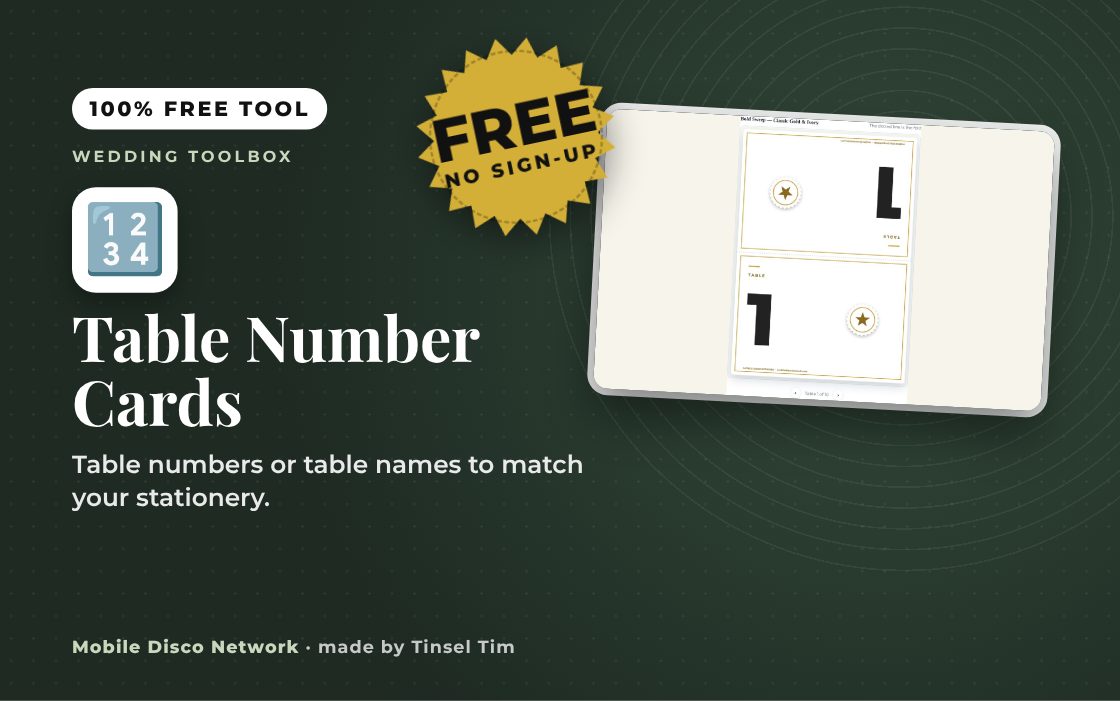
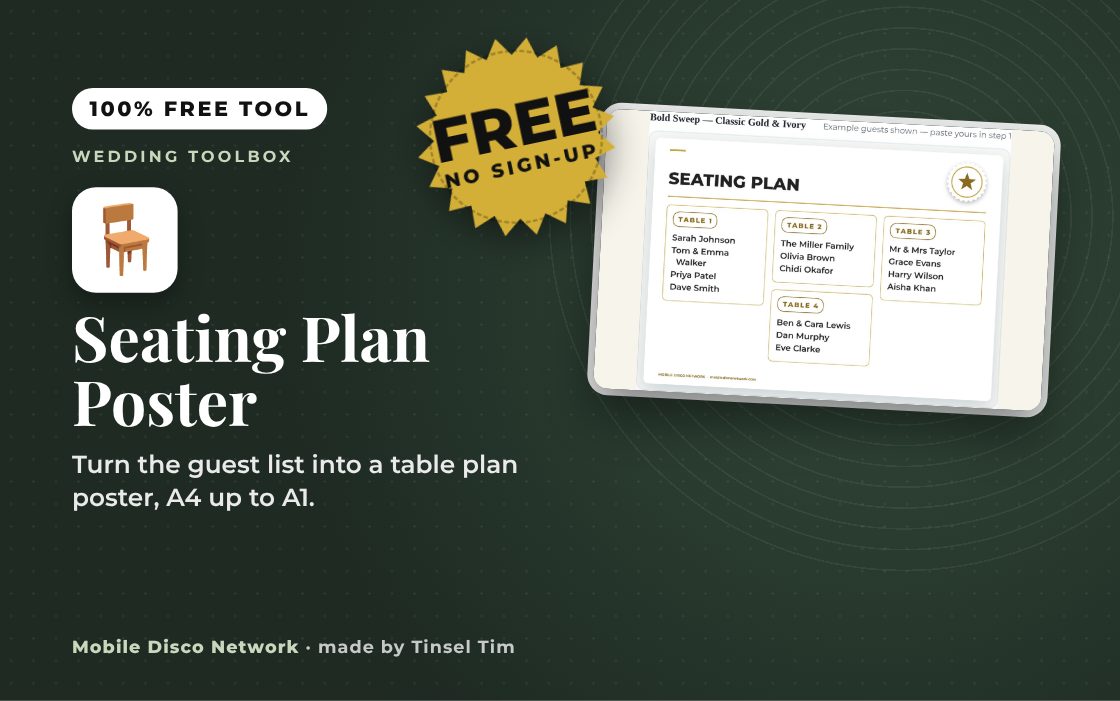
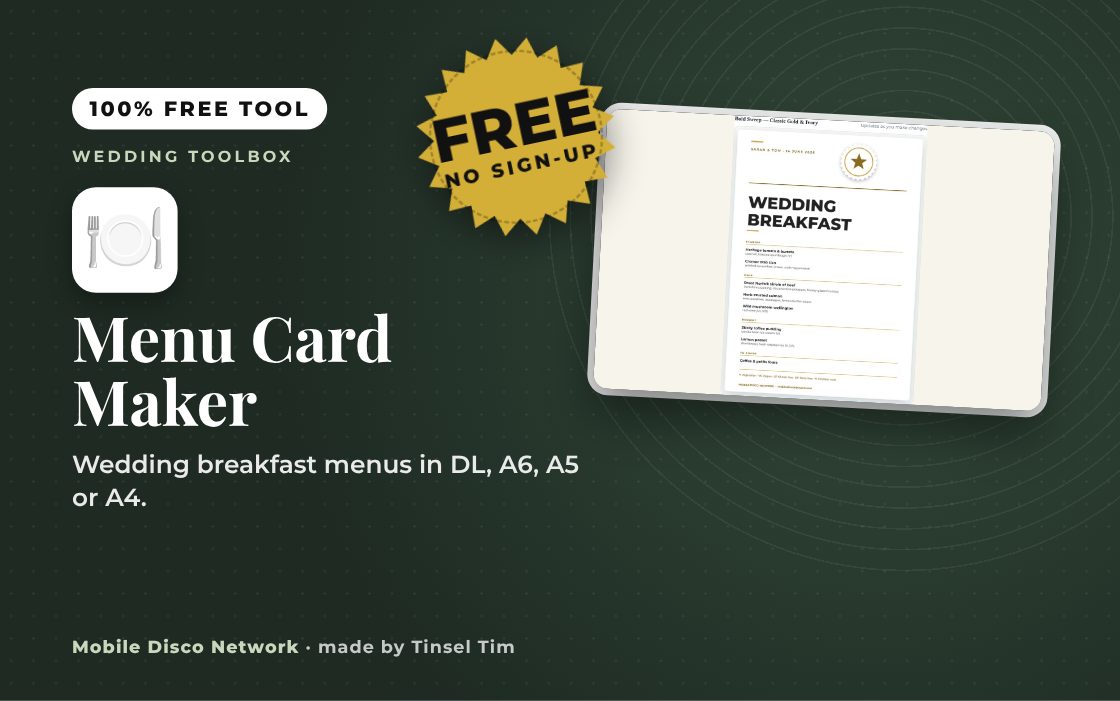
Invitations to thank-you cards, designed to match and printed at home.
Print your own stationery
Invitations to thank-you cards, designed to match and printed at home.



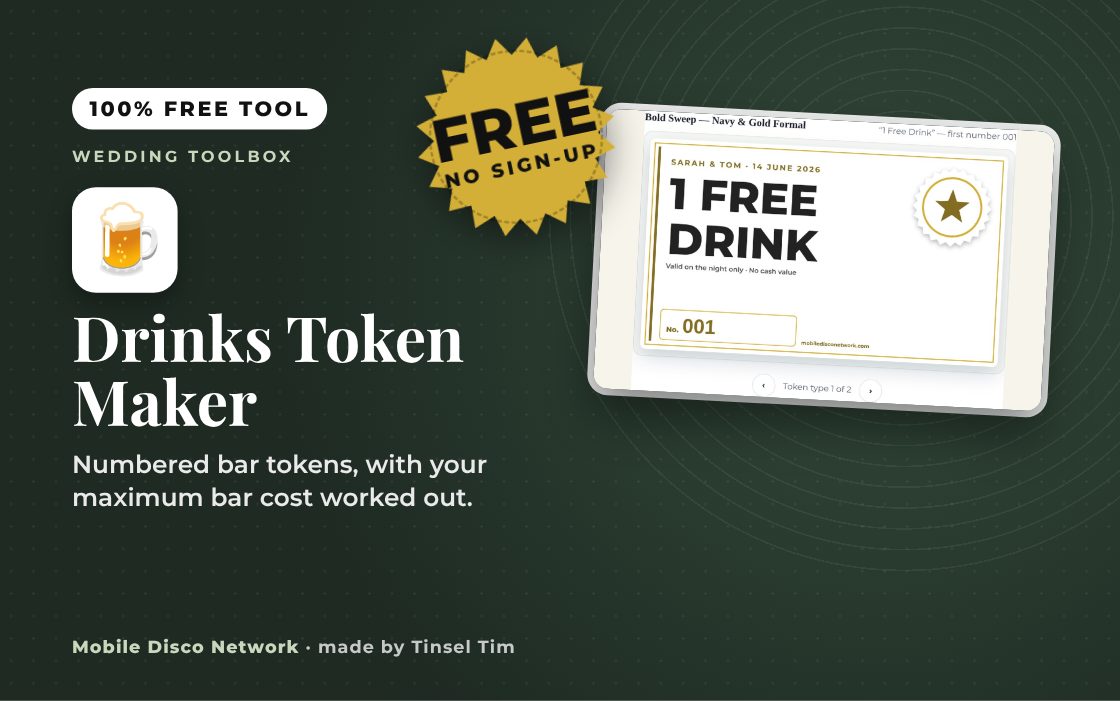


On the day: tablet & party extras
Speeches, photo booth fun and games for the evening.
On the day: tablet & party extras
Speeches, photo booth fun and games for the evening.



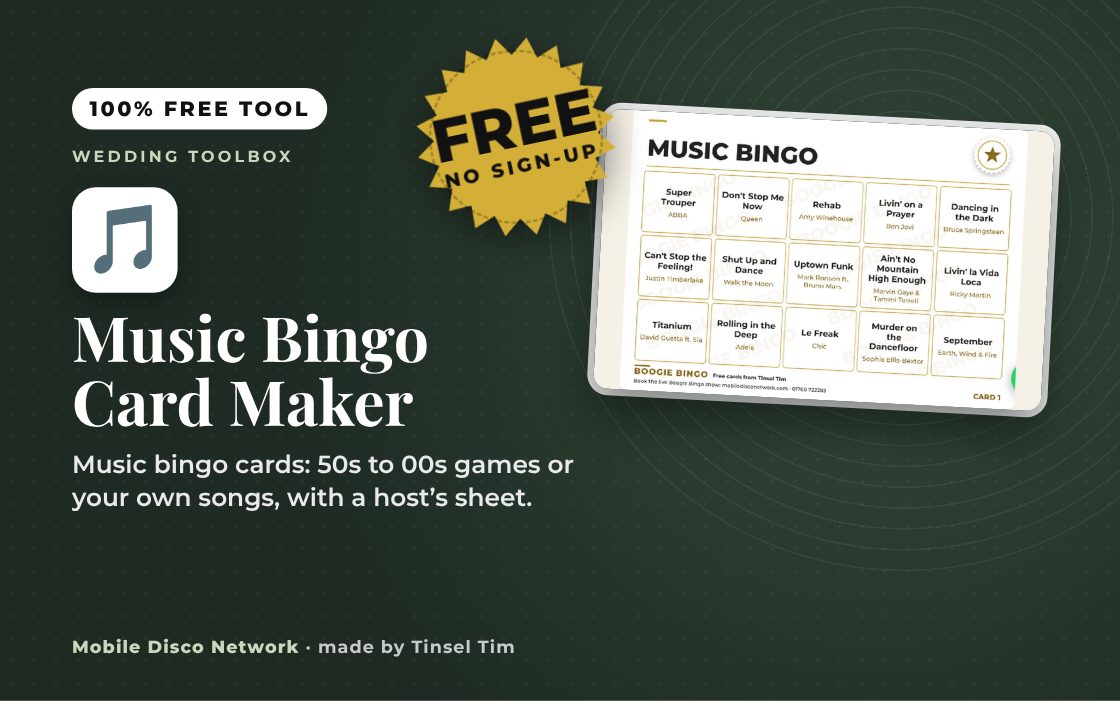
Budgets, timelines & seating
The bigger planning tools: budgets, timelines, seating plans, guest lists and catering numbers.
Budgets, timelines & seating
The bigger planning tools: budgets, timelines, seating plans, guest lists and catering numbers.





Questions
Wedding Toolbox: common questions
Do I have to book Tim to use these tools?
No. All 62 tools are free for anyone to use, whether you book Tim or not, with no sign-up and no email address.
Which tools help most with the big decisions?
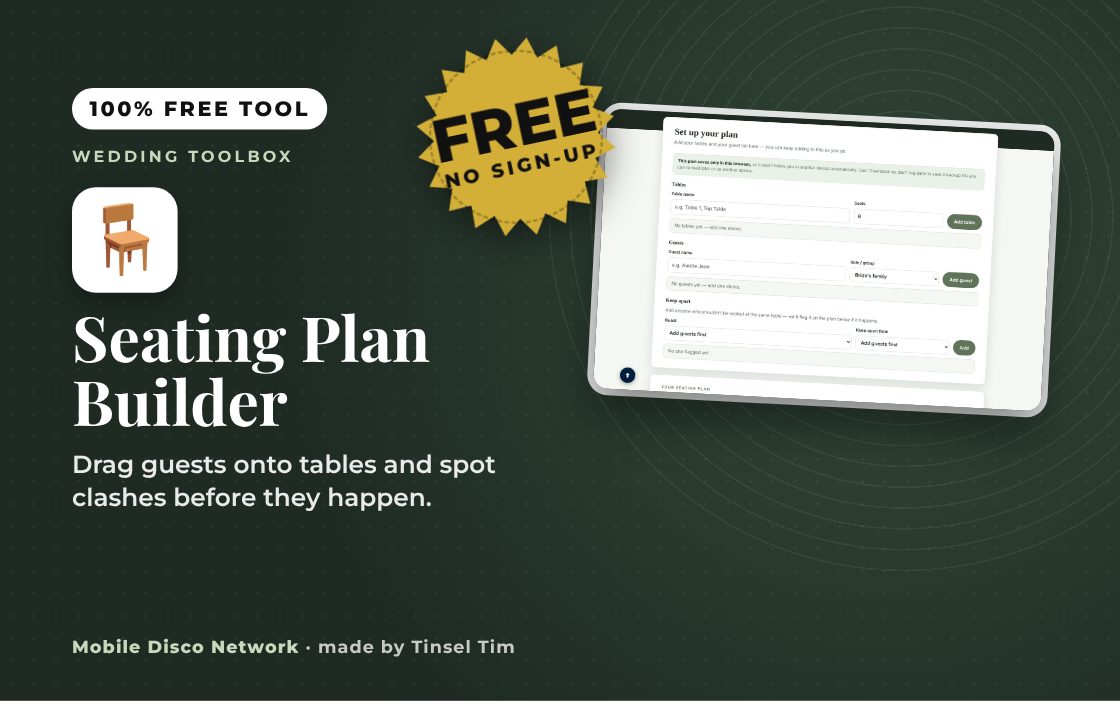
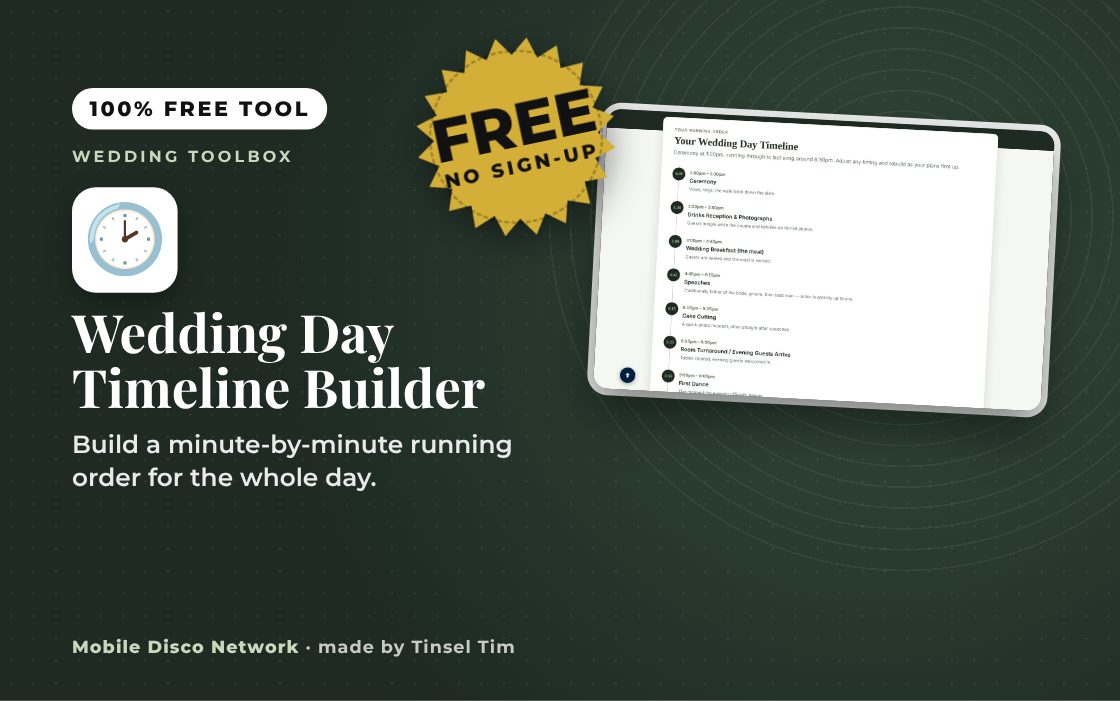
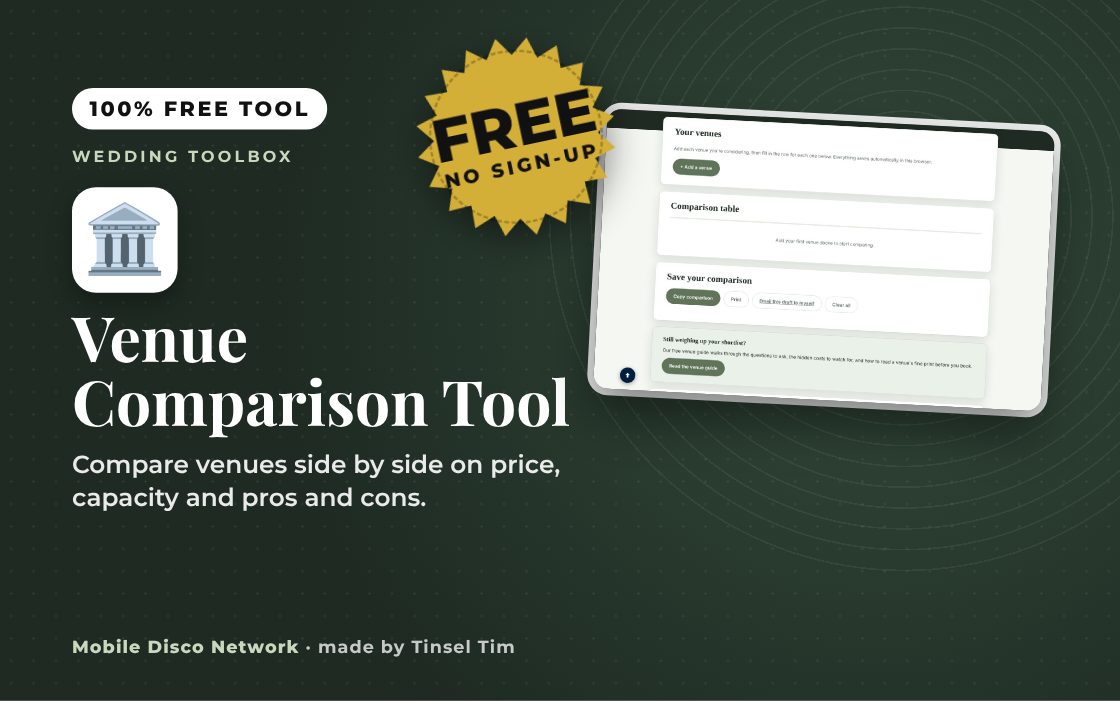
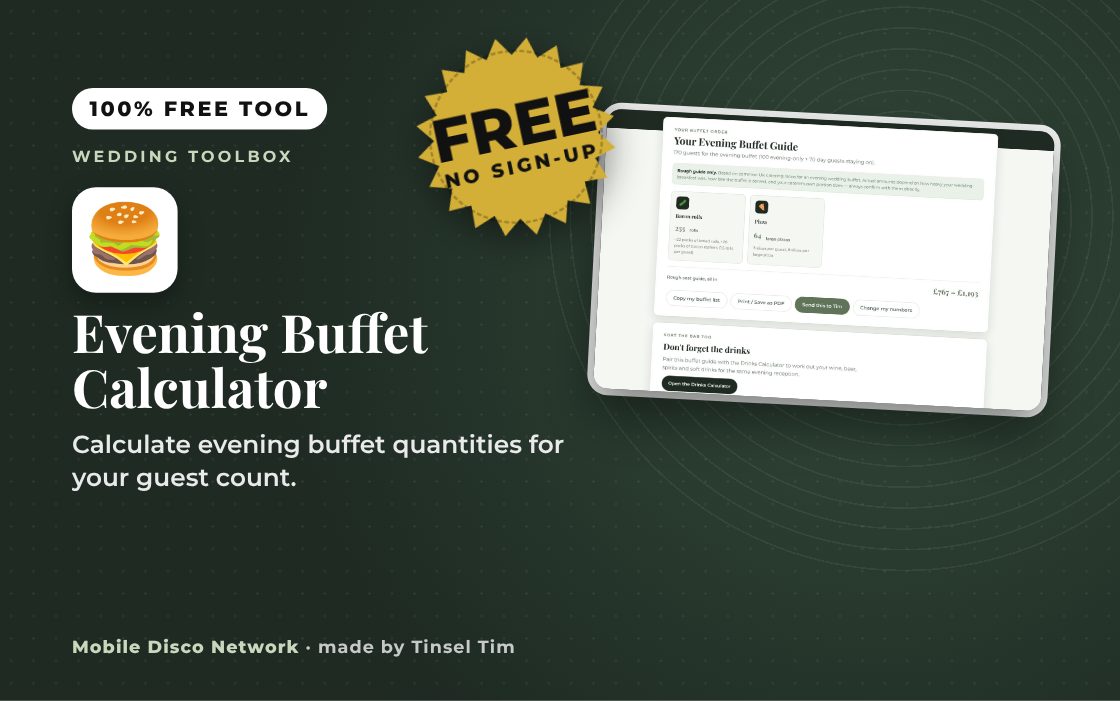
Start with the wedding budget calculator, the day timeline builder, the guest list and RSVP tracker and the seating plan builder. The drinks, buffet and cake calculators then turn your guest numbers into quantities to order.
Is anything I type saved or sent to you?
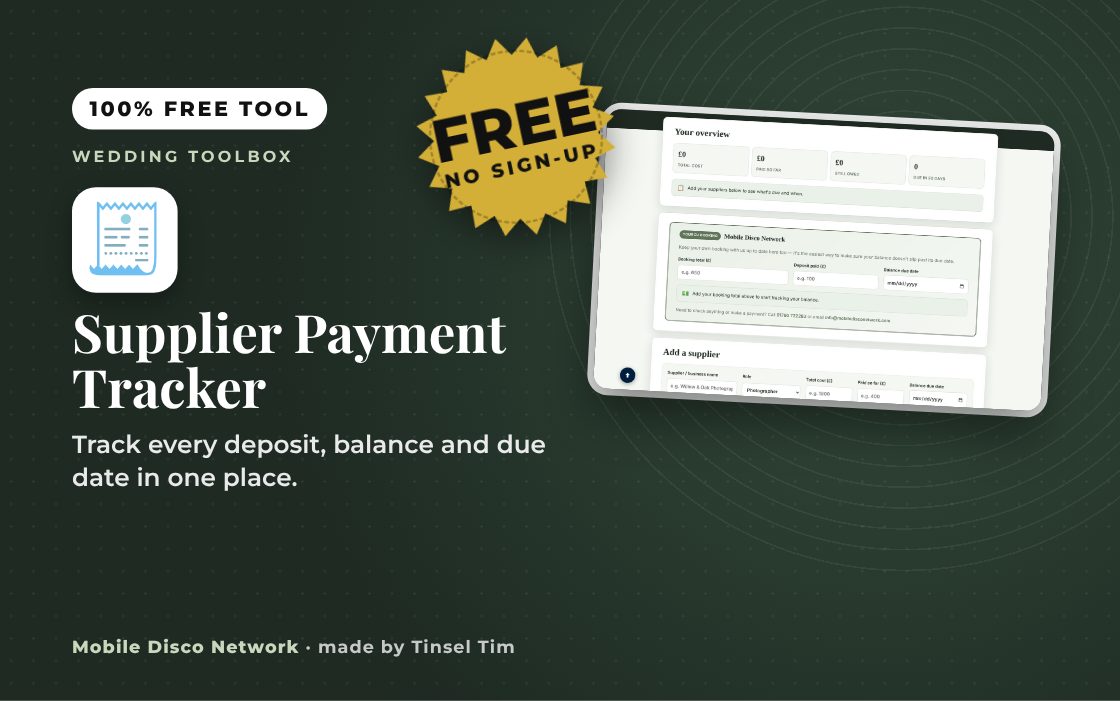
It depends on the tool. Some, like the Speech Teleprompter and the Supplier Payment Tracker, save your work in your own browser so it is still there on that device next time. Nothing is sent to Mobile Disco Network unless you choose to email it.
Can I print my wedding stationery with these tools?
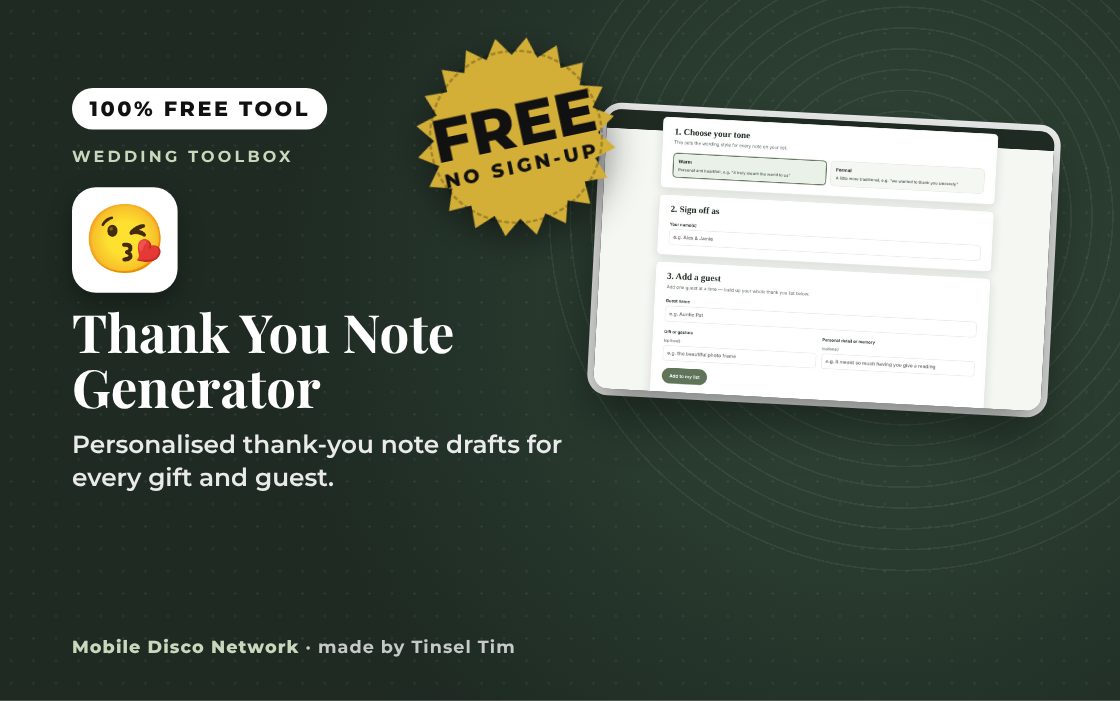
Yes. The Print your own stationery tools make print-ready PDFs for invitations, place cards, table numbers, the seating plan, menus, an order of service booklet, signs, labels and thank-you cards, all in matching designs. Print them at home or take the PDF to a print shop.
Tim’s tip
Lock in the date and venue first, then book the suppliers who can only be in one place on the day, such as the photographer and the DJ. Everything else can be planned around them.

Made by Tim Daymond (Tinsel Tim). Tim has been a DJ since 1976 and has run Mobile Disco Network since 2013. He plays weddings and parties across Norfolk, Suffolk, Cambridgeshire and Lincolnshire. He is a Norfolk County Council Trading Standards Trusted Trader (ID 0000457), a member of the NADJ and the winner of 23 independent awards.
Why choose Tim · Awards · Reviews
Free to use, no sign-up. Last reviewed 11 October 2026.
Ready to book Tinsel Tim for your wedding?
All 62 tools are free to use whether you book us or not — but when you’re ready for a DJ who’ll make the night, we’d love to be part of it.
Did this help?
Leave Tim a review
If these free tools helped with your wedding planning, we’d love a quick review — whether you’ve booked Tim or not. It helps him keep the toolbox free and build more tools like it.
Leave a review →