
Design your drinks tokens
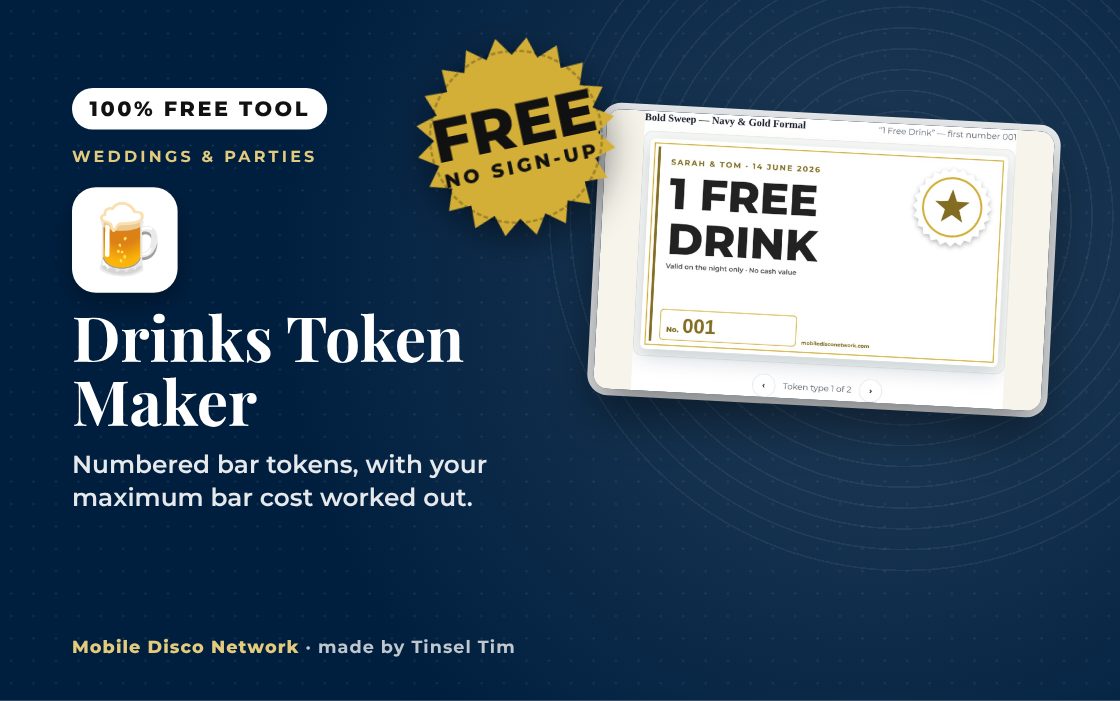
Work down the steps on the left — the token updates live on the right.
Planning an event?
Drinks sorted — now fill the dance floor
Tim and Mobile Disco Network provide the DJ, lighting and photo booth for weddings, parties and work dos across Norfolk, Suffolk, Cambridgeshire and Lincolnshire.
Rather talk it through? Call Tim on 07796 565918 or 01760 722283, or message him on WhatsApp.
Quick guide
How to make printable drink tokens
- Enter how many guests, choose any spares and list your token types with tokens per guest and an optional price.
- Fill in the event line, small print and first number, and tick Number every token if you want it.
- Choose the design, colour theme, seal and token size.
- Press Download print-ready PDF and print at Actual size on card.
What it does
- Several token types, each colour-coded
- Works out tokens needed per guest
- Shows maximum bar cost from prices
- Optional numbering with letter prefix
- Three token sizes per A4 sheet
- Print-ready PDF or JPG download
Use it with
- Signs Pack Maker – pick a ready-made pack of event signs for a wedding, party or Christmas do, edit the wording and download them in one matching design
- Buffet Food Label Maker – print folding buffet labels for each dish with its name, description, vegetarian and vegan badges and the 14 UK allergens marked
- Sticker & Label Maker – design favour stickers, bottle and jar labels, address labels and name badges lined up for standard A4 label sheets such as Avery L7160
- Thank-You Card Maker – paste your guest list with each person's gift and print a personalised thank-you card for each, with an optional photo, or download images to send
Questions
Drinks Token Maker: common questions
Who are drinks tokens useful for?
They suit weddings, works parties and celebrations where the host wants to cover a set number of drinks rather than run an open tab. Each guest gets a fixed number of tokens, so you know the most the bar can cost before the night starts. Different token types, such as a free drink or a glass of fizz, get their own colour shade.
How do I print and hand out the tokens?
Download the PDF and print at Actual size or 100%, ideally on 200 to 300 gsm card so tokens survive a pocket or purse. Standard tokens fit 21 to an A4 sheet, small fit 36 and large fit 10. Cut along the grey lines, then hand tokens out with the place cards or at the door, and give the bar a note of the numbers.
Is anything I type saved or sent anywhere?
No. The tokens, totals and PDF are all created inside your browser, and the page makes no network requests with your details. Nothing is saved either, so if you close or reload the page your settings return to the defaults. Download the PDF once you are happy with it.
How many drinks tokens should each guest get?
Many hosts cover the toast plus one or two drinks and let guests buy their own after that. Add a price to each token type and the tool shows the maximum bar cost for your guest numbers. Spares are not counted in that figure, as they only get used if you hand them out, but a five or ten per cent extra helps with late arrivals.
Tim’s tip
Agree with the bar in advance exactly what each token covers, such as house wine but not doubles. It saves awkward conversations at the bar while the first dance is starting.

Made by Tim Daymond (Tinsel Tim). Tim has been a DJ since 1976 and has run Mobile Disco Network since 2013. He plays weddings and parties across Norfolk, Suffolk, Cambridgeshire and Lincolnshire. He is a Norfolk County Council Trading Standards Trusted Trader (ID 0000457), a member of the NADJ and the winner of 23 independent awards.
Why choose Tim · Awards · Reviews
Your privacy: this tool runs in your browser. Nothing you type is sent to Mobile Disco Network or stored on a server. Nothing is saved once you close the page.
Free to use, no sign-up. Last reviewed 11 October 2026.
Did this help?
Leave Tim a review
If this tool helped with your celebration planning, we’d love a quick review — whether you’ve booked Tim or not. It helps him keep this toolbox free and build more tools like it.
Leave a review →Planning an event? Check Tinsel Tim is free on your date. Check your date → WhatsApp Tim