
Design your bingo cards
Work down the steps on the left — the card updates live on the right. Use the arrows to flick through the cards.
Boogie Bingo
Want the real thing? Try Boogie Bingo
Tim hosts Boogie Bingo for pubs, clubs, parties and fundraisers across Norfolk, Suffolk, Cambridgeshire and Lincolnshire — real songs, real prizes, and a disco in between rounds. These cards are the home version.
Rather talk it through? Call Tim on 07796 565918 or 01760 722283, or message him on WhatsApp.
Quick guide
How to make music bingo cards
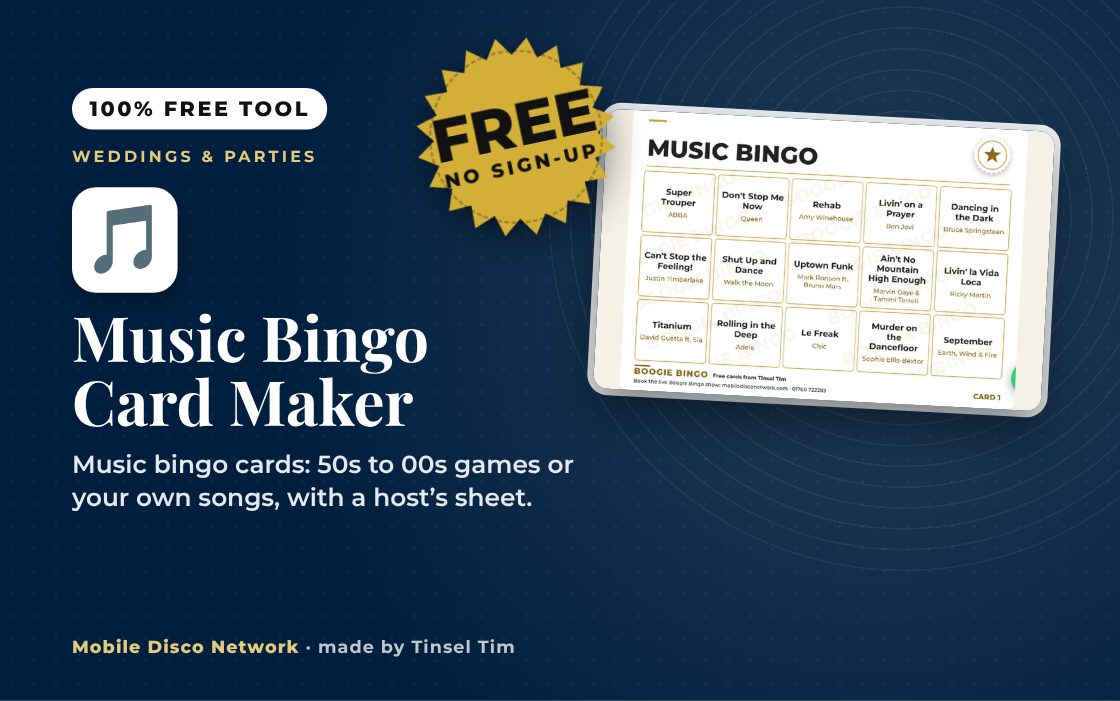
- Choose a game such as 70s disco & glam or 90s hits, or paste your own songs, one per line, as Song title - Artist.
- Choose a Card layout, How many different cards and where the Free square goes.
- Add your Game title and an optional line such as the party name, then pick a design and colour theme in Choose the look.
- Press Download all the cards (PDF) and Download the host's sheet (PDF), then print at actual size.
What it does
- Eight ready-made games of 45 songs each
- 50s, 60s, 70s, 80s, 90s and 00s decade games
- Up to 85 of your own songs and 100 different cards
- Nine grid layouts from 3 × 3 to 6 × 6
- Host's sheet with a set calling order
- Winner checker and A4, A5 or A6 cards
Use it with
- Retro Decade Playlist Builder – choose one or more decades from the 1950s to the 1990s and a track count to get an instant playlist of classic party hits
- Milestone Song Finder – pick a party moment, such as an entrance, cake cutting or last song, and a mood to get five song suggestions that fit
- What Was Number One – enter your wedding date and the day you met to see which song was Number One in the UK Singles Chart that week
- First Dance Finder – answer five quick questions about feeling, era, pace and dancing confidence to get five first dance song picks, each with a tip from Tim
Questions
Music Bingo Card Maker: common questions
Who is the music bingo card maker for?
It suits anyone running a music bingo round at a birthday, wedding, pub night, fundraiser or office party. You supply the songs, so the game can match your crowd, whether that is 80s hits or family favourites. Small grids such as 3 × 3 make a quick game for children, while 5 × 5 gives a longer traditional round.
Which ready-made games are there?
There are eight, each with 45 songs: party classics, 50s rock 'n' roll, 60s hits, 70s disco and glam, 80s hits, 90s hits, 00s hits and wedding favourites. Pick one and the cards fill in straight away. You can edit the list, mix two games together or start from scratch with up to 85 songs of your own.
How do I print the cards and run the game?
Download the cards PDF and the host's sheet PDF, then print at Actual size / 100%, ideally on 150 to 250 gsm card, and trim along the grey lines. Play the songs in the order on the host's sheet. When someone calls out, type the numbers played so far into Which cards have won? to check their card.
Are my song lists saved or sent anywhere?
No. Your songs and wording are handled inside your browser to draw the cards and build the PDFs. The page does not save them between visits and does not send them to Mobile Disco Network or anyone else. If you want to reuse a list, keep a copy of it in a document of your own.
How many songs and cards should I use for a party?
More songs than squares gives more variety between cards. A larger song list also means each round lasts longer, so match it to the time you have. Print one card per player, with a few spares, and choose a smaller grid if guests are new to the game or the round needs to fit between other activities.
Can I use the cards to run paid music bingo nights?
No. The cards are free for family parties, schools, clubs and charity nights, and each one carries the Boogie Bingo name with Tinsel Tim's details. If you want a hosted music bingo night with prizes and a disco between rounds, book Boogie Bingo with Tim.
Tim’s tip
Play only the first 20 to 30 seconds of each song so the game keeps moving, and keep the host's sheet next to you to mark off each track as it plays.

Made by Tim Daymond (Tinsel Tim). Tim has been a DJ since 1976 and has run Mobile Disco Network since 2013. He plays weddings and parties across Norfolk, Suffolk, Cambridgeshire and Lincolnshire. He is a Norfolk County Council Trading Standards Trusted Trader (ID 0000457), a member of the NADJ and the winner of 23 independent awards.
Why choose Tim · Awards · Reviews
Your privacy: this tool runs in your browser. Nothing you type is sent to Mobile Disco Network or stored on a server. Nothing is saved once you close the page.
Free to use, no sign-up. Last reviewed 11 October 2026.
Did this help?
Leave Tim a review
If this tool helped with your celebration planning, we’d love a quick review — whether you’ve booked Tim or not. It helps him keep this toolbox free and build more tools like it.
Leave a review →Rather have Tim host it? Check your date for live Boogie Bingo. Check your date → WhatsApp Tim