
Design your invitations
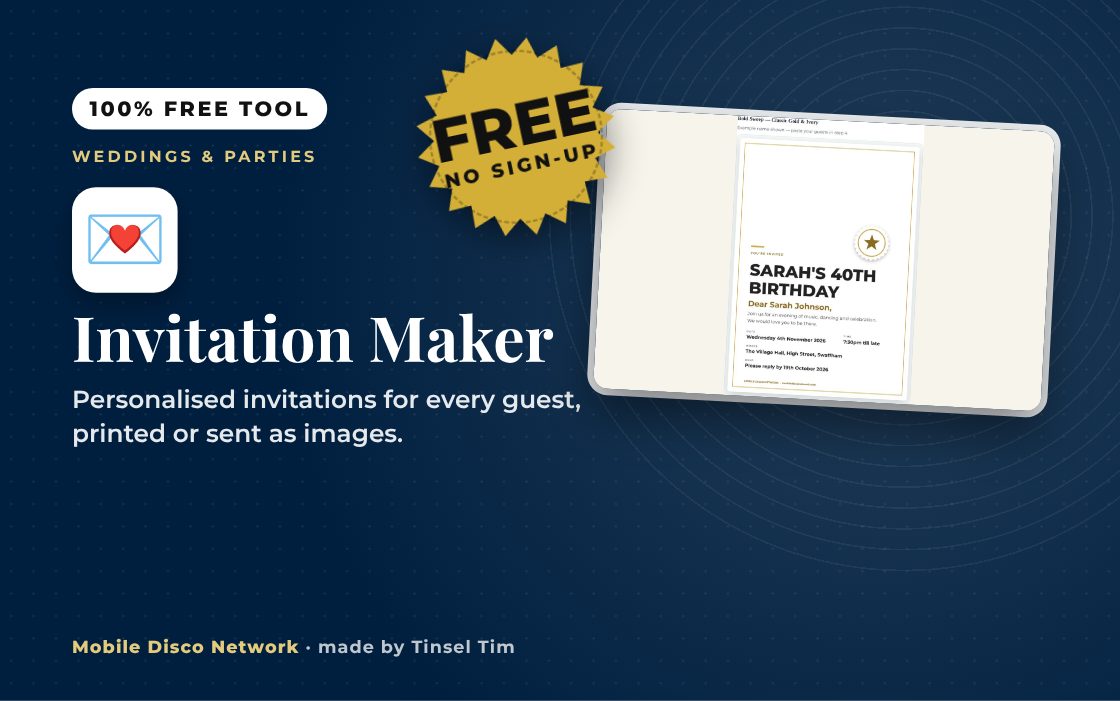
Work down the steps on the left — your invitation updates live on the right. Paste your guest list in step 4 and every guest gets their own personalised copy.
Planning an event?
Invites ready — is Tim free?
Check Tim is free on your date before the invitations go out — weddings, birthdays and every celebration in between. Book Tinsel Tim across Norfolk, Suffolk, Cambridgeshire and Lincolnshire.
More free wedding tools
Colour palettes, playlists, timelines and more — all free, from Mobile Disco Network's Wedding Toolbox.
Browse Wedding ToolboxMore free party tools
Budget calculators, games generators and planning timelines for birthdays and parties of all kinds.
Browse Party ToolboxRather talk it through? Call Tim on 07796 565918 or 01760 722283, or message him on WhatsApp.
Quick guide
How to use the party invitation maker
- Choose the Type of event and orientation, then fill in the wording, date, time, venue and RSVP.
- Paste your guests one name per line and choose How the name appears.
- Pick a design, colour theme and seal, then the printed card size.
- Press Download print-ready PDF, Download all as images (ZIP) or download just the one shown.
What it does
- Personalised invitation for each guest
- 14 event types to start from
- Portrait or landscape, A6 or A5
- 15 colour themes and ink saver
- Print-ready PDF with cut lines
- ZIP of images for WhatsApp or email
Use it with
- Place Card Maker – paste your guest list to print folded place cards with table numbers, and matching favour tags if you want them, for up to 300 guests
- Table Number Cards – make folded tent cards for every table, with numbers or custom table names, and download a print-ready PDF with cut and fold lines
- Seating Plan Poster – paste your guest list with table numbers, or let the tool seat everyone, and print a seating plan poster from A4 up to A1
- Menu Card Maker – type or paste your menu, choose a design and colour theme, and print menu cards in DL, A6, A5 or A4 as a print-ready PDF
Questions
Invitation Maker: common questions
What kinds of events can I make invitations for?
The event list covers birthdays, milestone birthdays, children's parties, wedding evening receptions, engagements, anniversaries, retirements, leaving dos, Christmas, New Year's Eve, Halloween, housewarmings and quiz or charity nights, with Something else for anything not listed. You can change all the wording, so the same tool works for most celebrations where you want each guest named on their own card.
Can I print some invitations and send others by phone?
Yes. Download print-ready PDF gives A4 sheets of A6 or A5 cards with optional cut lines; print at Actual size or 100%. Download all as images (ZIP) gives one picture per guest to attach to an email or WhatsApp message, and you can also download just the invitation shown in the preview.
Is my guest list uploaded or saved?
No. Your guest names and wording are turned into invitations inside your browser, and the PDF, ZIP and JPG files are created on your own device. The page does not send your list to any server and does not save it, so download your files before closing the tab or you will need to paste the list in again.
How far ahead should party invitations go out?
For most parties, four to six weeks ahead gives people time to arrange childcare, lifts and time off, and longer for weddings or busy dates near Christmas. Set the RSVP date about two weeks before the event so you can confirm numbers with the venue and caterer. Check your entertainment is booked before the invitations go out.
Tim’s tip
Put a clear finish time on the invitation as well as the start time. Guests can then book taxis and babysitters properly, and fewer people leave in the middle of the best part of the night.

Made by Tim Daymond (Tinsel Tim). Tim has been a DJ since 1976 and has run Mobile Disco Network since 2013. He plays weddings and parties across Norfolk, Suffolk, Cambridgeshire and Lincolnshire. He is a Norfolk County Council Trading Standards Trusted Trader (ID 0000457), a member of the NADJ and the winner of 23 independent awards.
Why choose Tim · Awards · Reviews
Your privacy: this tool runs in your browser. Nothing you type is sent to Mobile Disco Network or stored on a server. Nothing is saved once you close the page.
Free to use, no sign-up. Last reviewed 11 October 2026.
From the Mobile Disco Network Toolbox
The Invitation Maker is part of Mobile Disco Network's growing collection of free wedding and party tools.
Did this help?
Leave Tim a review
If this tool helped with your celebration planning, we’d love a quick review — whether you’ve booked Tim or not. It helps him keep this toolbox free and build more tools like it.
Leave a review →Planning an event? Check Tinsel Tim is free on your date. Check your date → WhatsApp Tim