
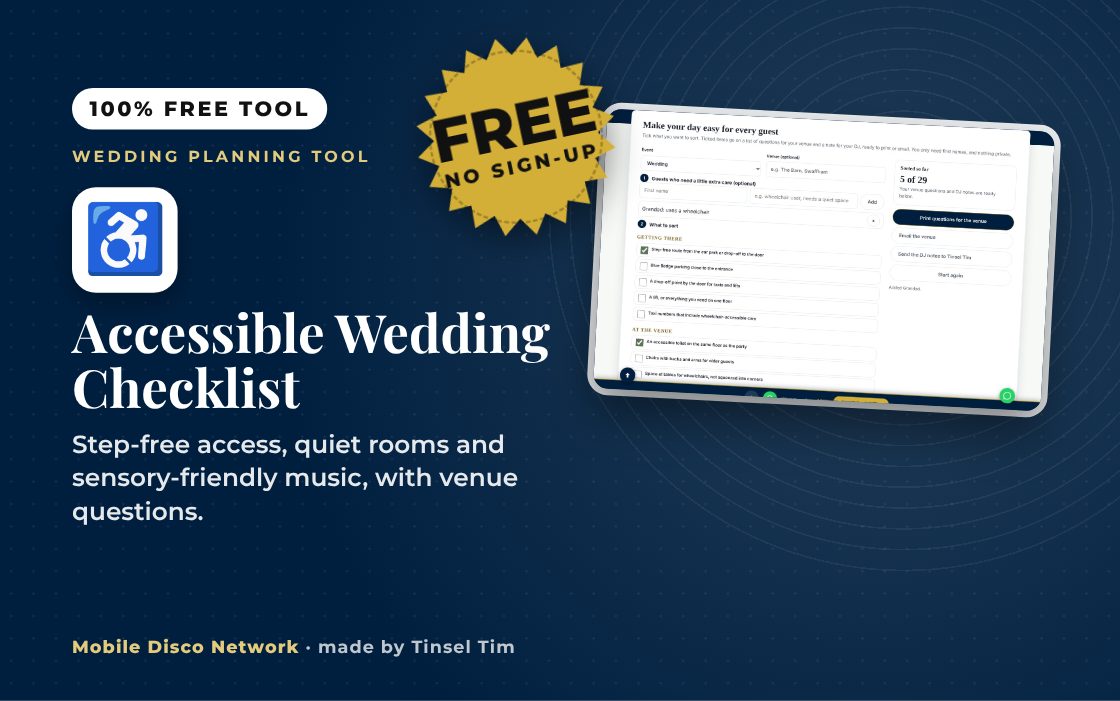
Make your day easy for every guest
Tick what you want to sort. Ticked items go on a list of questions for your venue and a note for your DJ, ready to print or email. You only need first names, and nothing private.
1 Guests who need a little extra care (optional)
2 What to sort
Getting there
At the venue
Sound and light
Food and drink
Communication
Timings
Planning your wedding?
A DJ who plans for every guest
Tinsel Tim offers Sensory-Friendly Disco Mode on any booking, at no extra cost: reduced strobe and flash, a clear warning before any effect, and volume agreed beforehand.
Rather talk it through? Call Tim on 07796 565918 or 01760 722283, or message him on WhatsApp.
Quick guide
How to use the accessible wedding checklist
- Pick your event and add the venue.
- Add any guests who need a little extra care, with first names only.
- Tick what you want to sort in each section.
- Print or email the venue questions, and send the DJ notes.
What it does
- Getting there, the venue, sound and light, food, communication and timings
- Questions for your venue, ready to print or email
- A note for your DJ, including Sensory-Friendly Disco Mode
- Add guests who need extra care, first names only
- Links to labels, signs and booklet tools
- Saves in your browser
Use it with
- Signs Pack Maker – pick a ready-made pack of event signs for a wedding, party or Christmas do, edit the wording and download them in one matching design
- Buffet Food Label Maker – print folding buffet labels for each dish with its name, description, vegetarian and vegan badges and the 14 UK allergens marked
- Free Wedding Website – a free one-page wedding website for your guests. Times, venues with maps, dress code, places to stay, your gift list and how to reply, shared as one link or a QR code
- Seating Plan Builder – add tables and guests, drag or tap guests onto tables, and get a warning if two people you want kept apart end up seated together
Questions
Accessible Wedding Checklist: common questions
What should I ask a venue about accessibility?
Ask about step-free access from parking to the door, an accessible toilet on the same floor, space for wheelchairs at tables, a quiet room and a hearing loop. The checklist turns your ticks into a list of questions.
Can the DJ make the disco easier for sensitive guests?
Yes. Tinsel Tim offers Sensory-Friendly Disco Mode on any booking at no extra cost: reduced strobe and flash, a clear warning before any effect, and volume agreed beforehand.
Do I need to share guests' medical details?
No. A first name and what would help is enough, such as needs a quiet space or uses a wheelchair. Nothing is sent anywhere unless you choose to email it.
Is it only for weddings?
No. It works for birthdays, anniversaries, Christmas parties and any other party.
Tim’s tip
If anyone in your group finds flashing lights or loud music hard, just tell me when you book. Sensory-Friendly Disco Mode is included at no extra cost on any package.

Made by Tim Daymond (Tinsel Tim). Tim has been a DJ since 1976 and has run Mobile Disco Network since 2013. He plays weddings and parties across Norfolk, Suffolk, Cambridgeshire and Lincolnshire. He is a Norfolk County Council Trading Standards Trusted Trader (ID 0000457), a member of the NADJ and the winner of 23 independent awards.
Why choose Tim · Awards · Reviews
Your privacy: this tool runs in your browser. Nothing you type is sent to Mobile Disco Network or stored on a server. Your work is saved in this browser only, so it is there when you come back. Clearing your browser data removes it. Email buttons only open your own email app, and nothing is sent until you press send.
Free to use, no sign-up. Last reviewed 11 October 2026.
Did this help?
Leave Tim a review
If this tool helped with your celebration planning, we’d love a quick review — whether you’ve booked Tim or not. It helps him keep this toolbox free and build more tools like it.
Leave a review →Planning the big day? Check Tinsel Tim is free on your wedding date. Check your date → WhatsApp Tim