
Choose your game
The Shoe Game and the Mr & Mrs Quiz both work brilliantly with a live host keeping the energy up — pick one to get started.
Your Questions
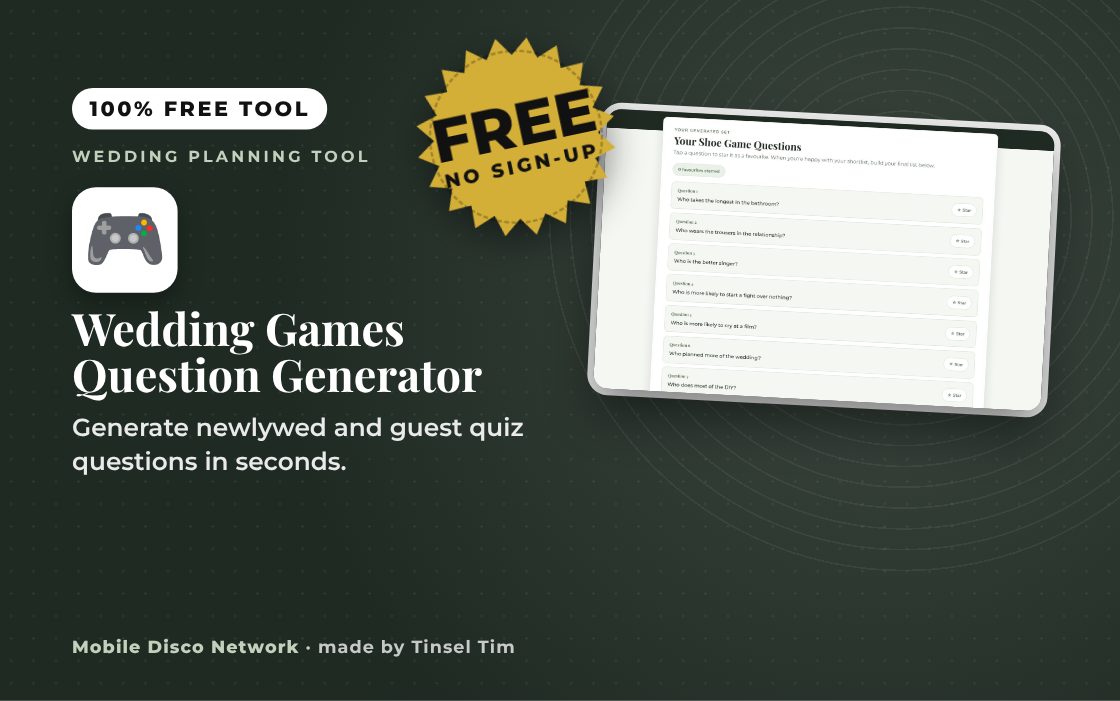
Tap a question to star it as a favourite. When you're happy with your shortlist, build your final list below.
Your Final Shortlist
Want someone else to run it on the night?
Reading questions off a phone between courses is one more job for a bridesmaid or best man to worry about. Tim can host the Shoe Game or Mr & Mrs Quiz as part of your evening — building the moment, working the room, and keeping it moving so every guest is in on the fun.
Quick guide
How to get your wedding shoe game questions
- Choose The Shoe Game or the Mr & Mrs Quiz.
- Pick how many questions you want and press Generate my questions.
- Tap questions to star them, use Generate a new set if needed, then press Build my shortlist.
- Use Copy my shortlist or Print / Save as PDF to take it on the day.
What it does
- Shoe Game or Mr & Mrs Quiz
- Sets of 8, 12, 16 or 24 questions
- Star favourites to build a shortlist
- Generate a new set at any time
- Copy, print or save as PDF
Use it with
- Party Games & Icebreaker Generator – choose your group size and energy level to get a party game or icebreaker suggestion with instructions, and swap it for another at the press of a button
- Music Bingo Card Maker – print up to 100 different music bingo cards from eight ready-made 45-song games, 50s to 00s, or your own list, plus a host's sheet and a winner checker
- Raffle Ticket Maker – print numbered raffle tickets with a matching stub for the buyer's name and phone, for fetes, fundraisers, PTAs, club nights and parties
- Party Games Card Maker – pick classic children's party games and print a card for each with what you need, how to play and an everyone-can-play version
Questions
Wedding Games Question Generator: common questions
What are the Shoe Game and the Mr & Mrs Quiz?
In the Shoe Game the couple sit back to back, each holding one of their own shoes and one of their partner's, and hold up whichever shoe the statement is truer of. In the Mr & Mrs Quiz one partner answers questions about the relationship while the other is out of earshot, then the other tries to match them.
How do I get the questions ready for the day?
Generate a set, tap the questions you like to star them, then press Build my shortlist. Use Copy my shortlist to paste them into your notes or Print / Save as PDF for a paper copy. Whoever is hosting can read from the printout, which is easier than scrolling a phone between courses.
Are my chosen questions saved?
No. Your questions and shortlist are only held while the page is open and are not stored in your browser or sent anywhere. If you close or reload the page you will need to generate them again, so copy or print your shortlist once you are happy with it.
When is the best time to play wedding games?
Many couples play during the speeches slot or just before the evening dancing starts, when guests are seated and can see. Keep it to around ten to fifteen questions so it stays lively, and give the couple a microphone so the answers are heard at the back of the room.
Tim’s tip
Make sure the host has a microphone and the couple are sitting where the whole room can see them. A quick game with good sound works far better than a long one nobody can hear.

Made by Tim Daymond (Tinsel Tim). Tim has been a DJ since 1976 and has run Mobile Disco Network since 2013. He plays weddings and parties across Norfolk, Suffolk, Cambridgeshire and Lincolnshire. He is a Norfolk County Council Trading Standards Trusted Trader (ID 0000457), a member of the NADJ and the winner of 23 independent awards.
Why choose Tim · Awards · Reviews
Your privacy: this tool runs in your browser. Nothing you type is sent to Mobile Disco Network or stored on a server. Nothing is saved once you close the page.
Free to use, no sign-up. Last reviewed 11 October 2026.
Rather not run the games yourself?
Let Tim host the fun
Boogie Bingo is Tim’s music bingo game for weddings and parties: guests play along, and you get to join in instead of organising it. Book Tinsel Tim across Norfolk, Suffolk, Cambridgeshire and Lincolnshire.
Rather talk it through? Call Tim on 07796 565918 or 01760 722283, or message him on WhatsApp.
Want more than the games sorted?
Tim's Wedding Planner ebooks on EbookMee cover the checklists, budgets and running-order templates that pair with this generator, so nothing gets missed between now and the day itself.
Your Wedding Toolbox
The Question Generator is part of Mobile Disco Network's growing Wedding Toolbox for brides and grooms. More free planning tools are on the way.
Did this help?
Leave Tim a review
If this tool helped with your wedding planning, we’d love a quick review — whether you’ve booked Tim or not. It helps him keep this toolbox free and build more tools like it.
Leave a review →Planning the big day? Check Tinsel Tim is free on your wedding date. Check your date → WhatsApp Tim