
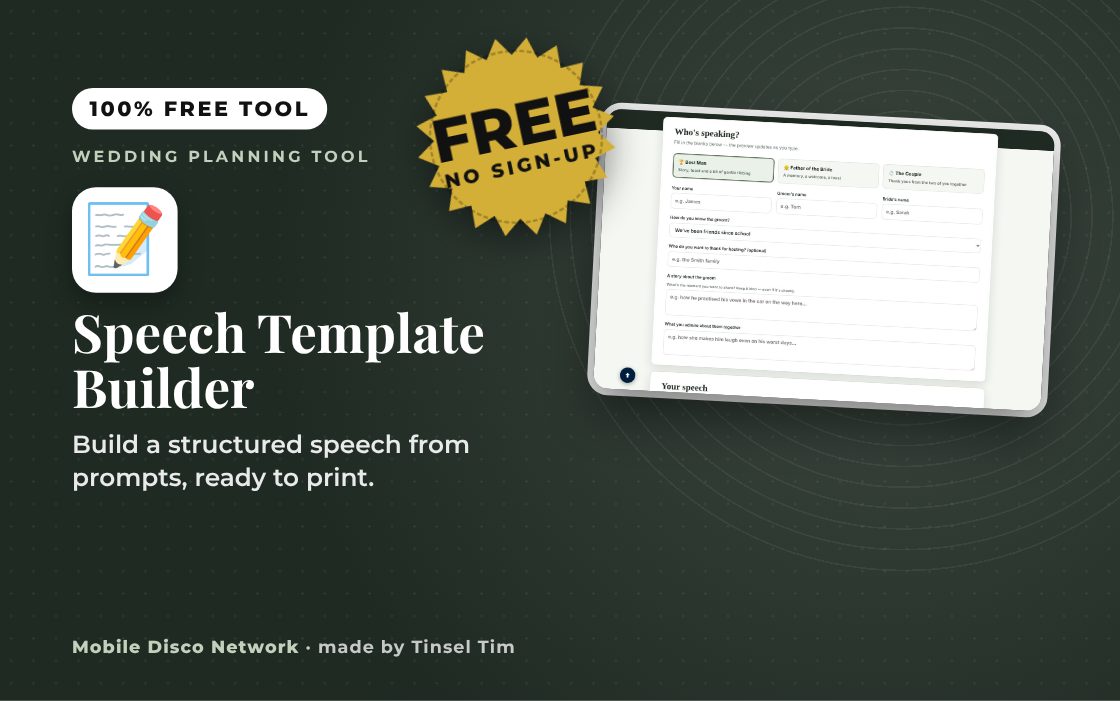
Who's speaking?
Fill in the blanks below — the preview updates as you type.
Your speech
This is a starting point — read it out loud, tweak it, and make it sound like you.
Check how long it runs
Once you're happy with a draft, copy it and paste it into the Speech Timer — it'll estimate your delivery time and even help you build a running order with the other speeches.
Open the Speech TimerQuick guide
How to use the wedding speech template
- Choose who is speaking: Best Man, Father of the Bride or The Couple.
- Fill in the names, story and other prompts for that speech.
- Read the draft under Your speech and edit it until it sounds like you.
- Press Copy my speech, Print or Email this draft to myself, then try it in the Speech Timer.
What it does
- Best man, father of the bride, couple
- Fill-in-the-blank prompts
- Live speech preview
- Optional thank-you sections
- Pairs with the Speech Timer
- Copy, print or email the draft
Use it with
- Speech Timer – paste a wedding speech to see its word count and estimated speaking time, then plan the order of speeches against your party start time
- Speech Teleprompter – paste your speech and read it from a phone or tablet in big words that scroll at your own speaking pace. A full wedding version, with a tablet link, voice-following, presenter clickers, cue notes, Word and PDF import and printable cue cards, is included when you book Tinsel Tim
- Speech & Toast Template Builder – pick who is speaking and the tone you want to get a speech or toast template with prompts to fill in with your own stories
- Wedding Vow Builder – write your own wedding vows from a few simple answers. Pick a tone and your promises, then edit, time and print them
Questions
Speech Template Builder: common questions
Who can use the speech template builder?
It has templates for three of the most common wedding speeches: the best man, the father of the bride and the couple speaking together. Each one asks for a few details, such as names, a story or memory, and who to thank, then turns them into a draft. The draft is a starting point to read aloud and rewrite in your own words.
How do I check how long my speech will take?
Copy your finished draft with Copy my speech and paste it into the free Speech Timer, linked on the page. It estimates how long the speech takes to deliver and helps you put together a running order with the other speeches. Reading it aloud a few times will also show you where to trim.
Is my speech saved or shared?
No. What you type is used inside your browser to build the draft and is not saved to your device's storage or sent to any server, so it is cleared when you close or reload the page. Email this draft to myself opens a draft in your own email app, which is a simple way to keep a copy.
How long should a wedding speech be?
Around five minutes is a comfortable target for most speeches, and many guests would happily take less. Several long speeches in a row can make the meal drag and leave guests restless. Agree a rough time limit with the other speakers beforehand, and keep stories kind enough to suit every generation in the room.
Tim’s tip
Practise your speech out loud with a microphone in your hand if you can, even a hairbrush will do. Hold it close to your chin and speak slightly slower than normal so everyone at the back hears every word.

Made by Tim Daymond (Tinsel Tim). Tim has been a DJ since 1976 and has run Mobile Disco Network since 2013. He plays weddings and parties across Norfolk, Suffolk, Cambridgeshire and Lincolnshire. He is a Norfolk County Council Trading Standards Trusted Trader (ID 0000457), a member of the NADJ and the winner of 23 independent awards.
Why choose Tim · Awards · Reviews
Your privacy: this tool runs in your browser. Nothing you type is sent to Mobile Disco Network or stored on a server. Nothing is saved once you close the page. Email buttons only open your own email app, and nothing is sent until you press send.
Free to use, no sign-up. Last reviewed 11 October 2026.
Speech written?
Make sure everyone hears it
Wedding packages include wireless microphones for the speeches, so the back of the room hears every word. Book Tinsel Tim across Norfolk, Suffolk, Cambridgeshire and Lincolnshire.
Rather talk it through? Call Tim on 07796 565918 or 01760 722283, or message him on WhatsApp.
Your Wedding Toolbox
Did this help?
Leave Tim a review
If this tool helped with your wedding planning, we’d love a quick review — whether you’ve booked Tim or not. It helps him keep this toolbox free and build more tools like it.
Leave a review →Planning the big day? Check Tinsel Tim is free on your wedding date. Check your date → WhatsApp Tim