
Design your table cards
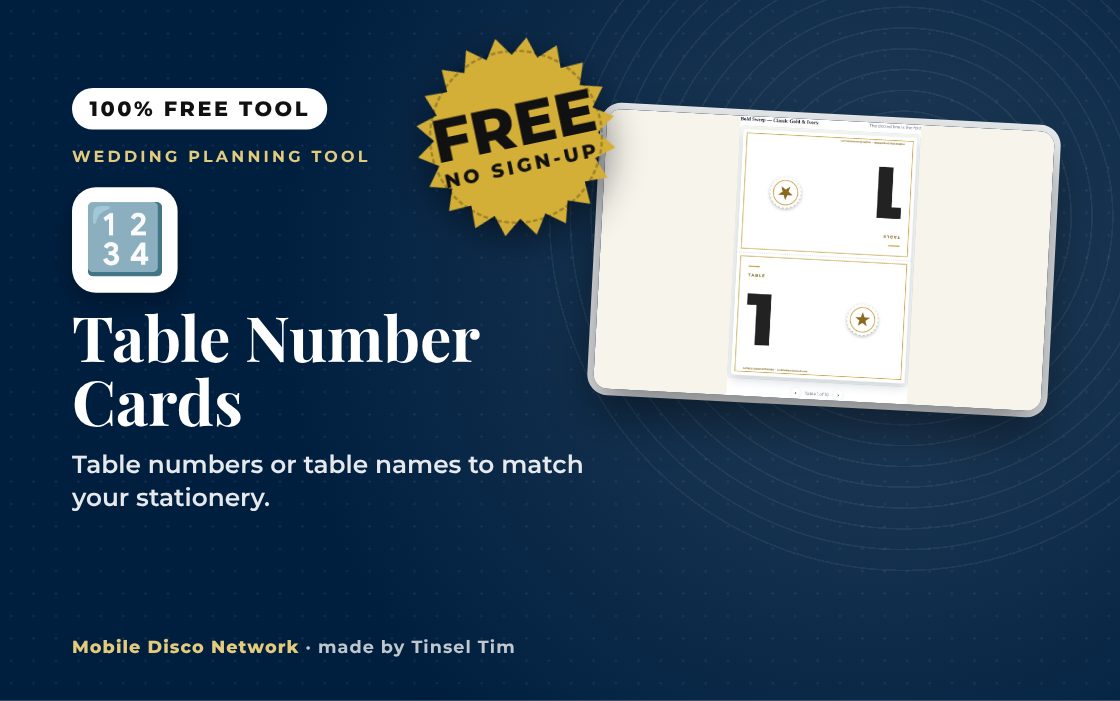
Work down the steps on the left — the card updates live on the right. Each one is a tent card: it prints flat, folds in the middle and stands on the table.
Planning your wedding?
Tables numbered — now the music
Tim plays background music through the meal, then gets everyone up once the tables are cleared. Book Tinsel Tim across Norfolk, Suffolk, Cambridgeshire and Lincolnshire.
Rather talk it through? Call Tim on 07796 565918 or 01760 722283, or message him on WhatsApp.
Quick guide
How to make printable wedding table numbers
- Choose Numbers or Names, then set How many tables? or type the table names.
- Add the word above the number and any small line at the bottom.
- Choose a design, colour theme and folded card size.
- Press Download print-ready PDF, then cut along the grey lines and fold.
What it does
- Numbers or custom table names
- Choose the starting number
- A6 or A5 folded tent cards
- Print on one or both sides
- Cut and fold lines on the sheet
- PDF, single image or ZIP of images
Use it with
- Place Card Maker – paste your guest list to print folded place cards with table numbers, and matching favour tags if you want them, for up to 300 guests
- Seating Plan Poster – paste your guest list with table numbers, or let the tool seat everyone, and print a seating plan poster from A4 up to A1
- Invitation Maker – paste your guest list and get a personalised printed invitation for every guest, as a PDF with cut lines or a ZIP of images to send
- Menu Card Maker – type or paste your menu, choose a design and colour theme, and print menu cards in DL, A6, A5 or A4 as a print-ready PDF
Questions
Table Number Cards: common questions
Can I use names instead of table numbers?
Yes. Choose Names and type one table name per line, for example places, songs or flowers that mean something to you. With Numbers you can set how many tables and the starting number, which helps if the top table is unnumbered. You can also change the word above the number or name.
How do I print and fold the table cards?
Print the PDF at Actual size / 100%, ideally on 200 to 250 gsm card. Cut along the grey lines, then fold each card on the dotted line so it stands like a tent. Standard A6 cards print four per A4 sheet and large A5 cards two per sheet. Large cards work best on 250 gsm card.
Are my table names saved or shared?
No. Your table names and wording are used in your browser to draw the cards and create the PDF or images. Nothing is saved for your next visit and nothing is sent to Mobile Disco Network. Download your files before closing the page in case you need to reprint.
Should table cards be printed on both sides?
Printing on both sides lets guests read the number from anywhere around the room, which helps when tables are in the middle of the floor and people are looking for their seat. Use the option to put it on both sides. Single-sided can be enough for tables against a wall.
Tim’s tip
Number the tables so the layout makes sense when guests look at the seating plan, and keep tables slightly back from the dance floor edge so there is space to dance.

Made by Tim Daymond (Tinsel Tim). Tim has been a DJ since 1976 and has run Mobile Disco Network since 2013. He plays weddings and parties across Norfolk, Suffolk, Cambridgeshire and Lincolnshire. He is a Norfolk County Council Trading Standards Trusted Trader (ID 0000457), a member of the NADJ and the winner of 23 independent awards.
Why choose Tim · Awards · Reviews
Your privacy: this tool runs in your browser. Nothing you type is sent to Mobile Disco Network or stored on a server. Nothing is saved once you close the page.
Free to use, no sign-up. Last reviewed 11 October 2026.
Did this help?
Leave Tim a review
If this tool helped with your celebration planning, we’d love a quick review — whether you’ve booked Tim or not. It helps him keep this toolbox free and build more tools like it.
Leave a review →Planning the big day? Check Tinsel Tim is free on your wedding date. Check your date → WhatsApp Tim