
Design your certificate
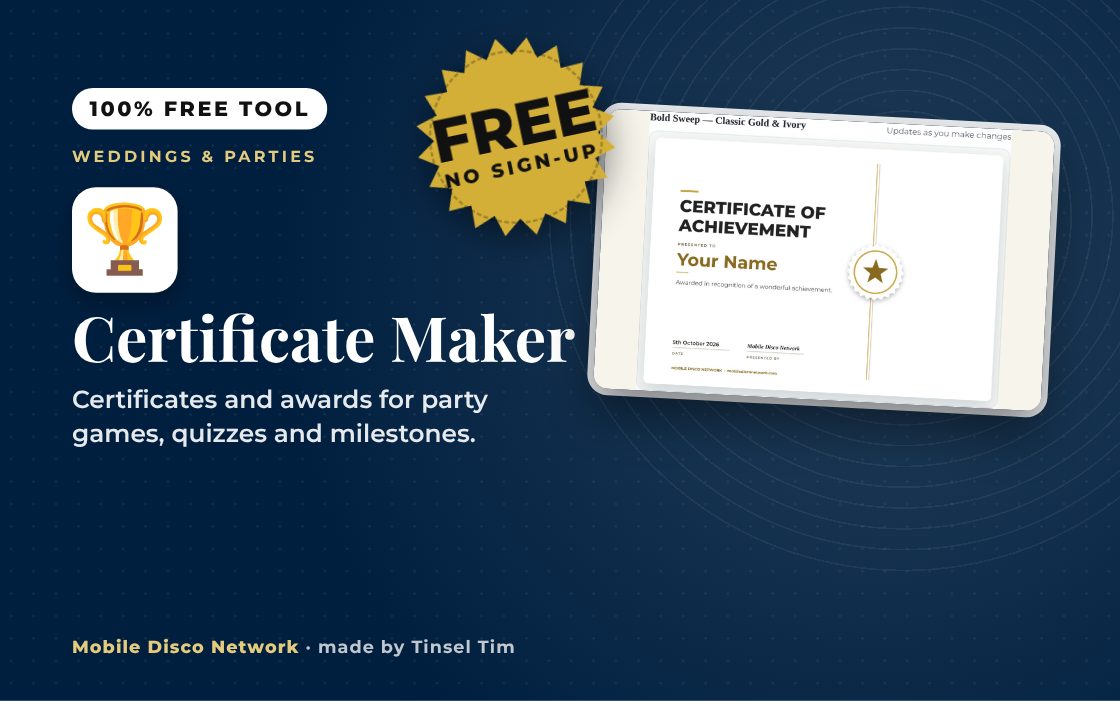
Work down the steps on the left — your certificate updates live on the right.
Your certificate is ready
Download it as an image, or print it — or save as a PDF — straight from your browser.
Planning an event?
Awards done — now the party?
Award nights, birthdays and weddings: Tim brings the music, lighting and atmosphere. Book Tinsel Tim across Norfolk, Suffolk, Cambridgeshire and Lincolnshire.
More free wedding tools
Colour palettes, playlists, timelines and more — all free, from Mobile Disco Network's Wedding Toolbox.
Browse Wedding ToolboxMore free party tools
Budget calculators, games generators and planning timelines for birthdays and parties of all kinds.
Browse Party ToolboxRather talk it through? Call Tim on 07796 565918 or 01760 722283, or message him on WhatsApp.
Quick guide
How to use the free certificate maker
- Choose Landscape or Portrait and pick an Occasion in What is it for?
- Fill in the Certificate title, Recipient's name, Message / reason, Date and Presented by.
- Choose a design Collection, colour theme and badge or rosette, and tick Ink saver if you want plain paper.
- Press Generate my certificate, then Download as PNG or Print / Save as PDF.
What it does
- 35 occasions plus a blank option
- Modern, classic and seasonal design collections
- 15 colour themes with badges and rosettes
- Landscape or portrait layout
- Ink saver for plain white paper
- Download PNG or print to PDF
Use it with
- Cupcake Topper & Food Flag Maker – make round or scalloped cupcake toppers and buffet food flags in your colours. Download a print-ready A4 PDF to cut out
- Photo Booth Props Maker – print your own photo booth props: moustaches, lips, glasses, crowns and hats, plus speech bubbles and signs with your own words
- Bunting Maker – type a message such as HAPPY 40TH or JUST MARRIED and print personalised bunting with one letter per flag, in your chosen colours and pattern
- Reward Badge Maker – print bright award stickers and badges such as Super Star and Best Dancer, with your party name. Use standard label sheets or plain card
Questions
Certificate Maker: common questions
What kind of certificates can I make?
The Occasion list covers awards such as Best Dancer, Quiz Night Champion and Employee of the Month, plus wedding keepsakes, anniversaries, christenings, retirements and seasonal events. There is also a Blank option for writing your own title. Each occasion fills in suggested wording, which you can change before generating the certificate.
How do I print the certificate at home?
After pressing Generate my certificate, choose Print / Save as PDF to open your browser's print window, or Download as PNG to keep an image. Print at full size on good-quality paper or thin card. If your printer struggles with solid colour, tick Ink saver for an outline version on white paper.
Is the recipient's name stored or shared?
No. The names, message and date you type are used only inside your browser to draw the certificate. Nothing is saved for your next visit and nothing is sent to Mobile Disco Network. Once you close the page the details are gone, so download or print the certificate before you leave.
How can I use certificates at a party?
They work well as prizes for party games, dance-offs, fancy dress and quiz rounds. Print a few with the recipient's name left blank before the event, then write the winner's name in on the night. That way you can hand them out straight after each game without needing a printer at the venue.
Tim’s tip
If you are handing out awards during the evening, let your DJ know the running order so the music can drop for each presentation and come back up straight afterwards.

Made by Tim Daymond (Tinsel Tim). Tim has been a DJ since 1976 and has run Mobile Disco Network since 2013. He plays weddings and parties across Norfolk, Suffolk, Cambridgeshire and Lincolnshire. He is a Norfolk County Council Trading Standards Trusted Trader (ID 0000457), a member of the NADJ and the winner of 23 independent awards.
Why choose Tim · Awards · Reviews
Your privacy: this tool runs in your browser. Nothing you type is sent to Mobile Disco Network or stored on a server. Nothing is saved once you close the page.
Free to use, no sign-up. Last reviewed 11 October 2026.
From the Mobile Disco Network Toolbox
The Certificate Maker is part of Mobile Disco Network's growing collection of free wedding and party tools.
Did this help?
Leave Tim a review
If this tool helped with your celebration planning, we’d love a quick review — whether you’ve booked Tim or not. It helps him keep this toolbox free and build more tools like it.
Leave a review →Planning an event? Check Tinsel Tim is free on your date. Check your date → WhatsApp Tim