Ask Tim · 9 answers
Your DJ client portal, explained
Your DJ client portal opens the moment you book. Here's how to log in and what you can do there.
Tim’s tip: Fill in your playlist form at least two weeks before the day. It gives me time to check every track and find the best version.
Every answer here is written by Tim Daymond (Tinsel Tim), Norfolk’s only Trading Standards Approved DJ, with 50 years behind the decks. Updated October 2026. Rated 4.9 out of 5 from 250+ reviews · 23 business awards · Check your date
Your Client Portal: your questions
What is the client portal?
It's your own secure online space, which opens as soon as you book.
In it you'll find your contract and invoices, your payments, the music planner, add-ons at client prices, and the insurance and safety certificates your venue may ask for. You can log in any time, day or night.
How do I log in to my client portal?
Your login details are emailed to you as soon as you book.
Go to mobiledisconetwork.com/check-availability, choose Manage Booking, and enter your Booking ID number and the surname of the person who made the booking.
How do I pay through the portal?
You can pay securely by debit or credit card through Stripe, or by BACS bank transfer.
If you've chosen monthly payments, you can see each payment and what's left to pay in your portal.
Can I see my contract and invoices online?
Yes.
Your contract is created automatically when you book, and you sign it online. Every invoice and receipt is kept in your portal, so you can check or download them whenever you like.
Where do I find the insurance and PAT certificates for my venue?
In your client portal.
You can download Tim's £10M Public Liability Insurance and PAT testing certificates there and send them straight to your venue.
How do I add extras after booking?
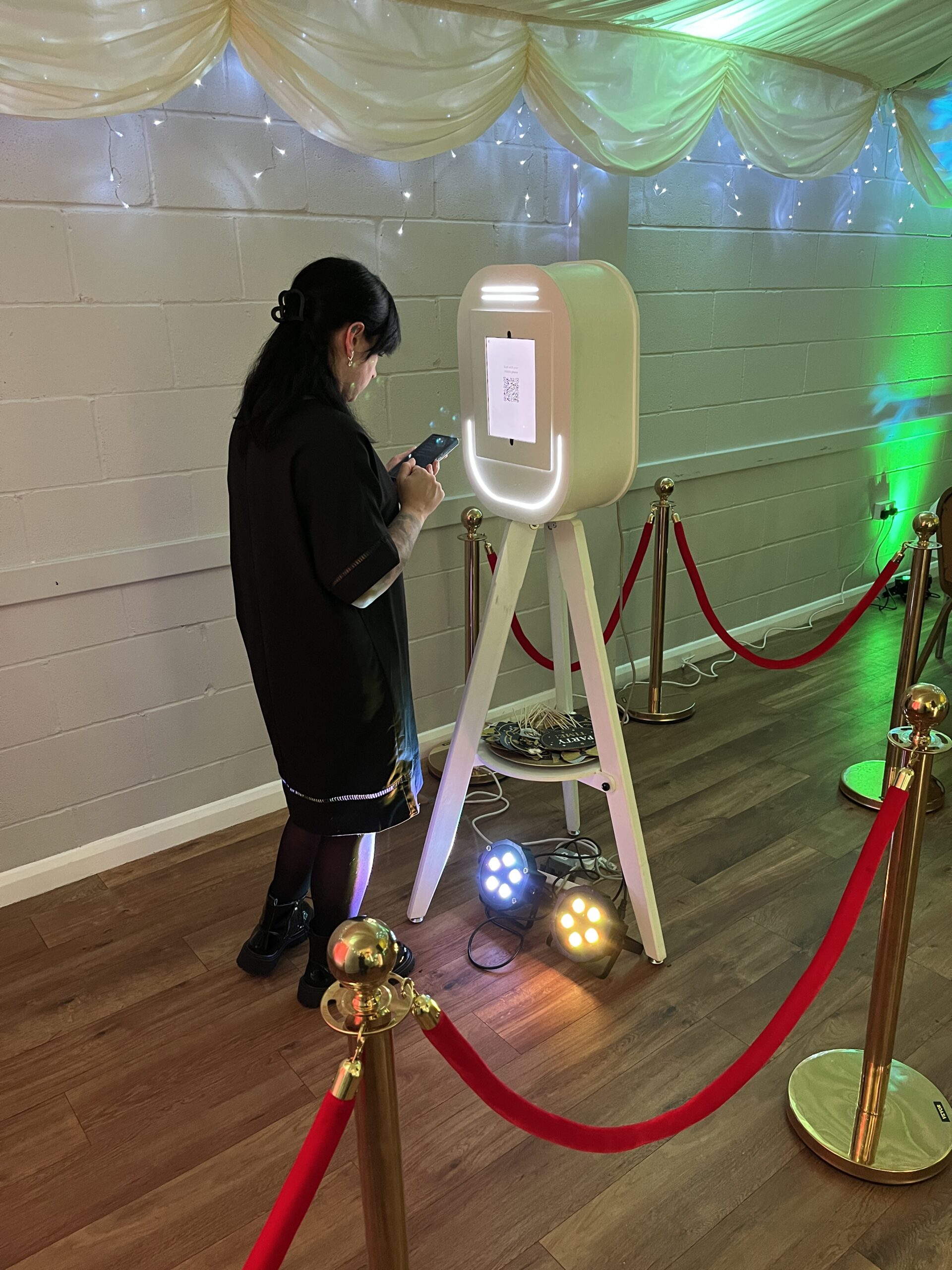
Your client portal lists the add-ons available for your event, such as extra hours, uplighting, effects and the Vintage Selfie Pod, at client-only prices.
Choose what you'd like and it's added to your booking.
Can I change my event details after booking?
Yes.
Let Tim know about any changes to your timings, venue details or plans. Your music choices can be updated in the portal up to 14 days before the event.
Is my personal data safe in the portal?
Yes.
Your portal has its own secure login, and card payments go through Stripe, so Tim never sees or stores your card details. Your information is only used to plan and run your event.
What if I can't get into my portal?
Call Tim on 01760 722283 or email info@mobiledisconetwork.com, and he'll sort it out.
Have your Booking ID number to hand if you can.
What clients say
“We are so grateful to Tim for letting us spread the cost of the entertainment for our wedding. It has been a god send to be able to pay a smaller amount each month.”
Useful next steps
More topics
- Booking & AvailabilityChecking your date, how early to book, changes54 answers
- Prices & PaymentsPackages, deposits, payment plans33 answers
- WeddingsCeremony to last dance31 answers
- Birthdays, Anniversaries & PartiesMilestones, retro nights, Christmas20 answers
- Children’s Parties & PromsGames, ages, school discos22 answers
- Music, Playlists & RequestsYour songs, guest requests, do-not-play16 answers
- On the NightSet-up, venues, timings, sound limiters14 answers
- Safety, Insurance & TrustTrading Standards, PLI, PAT, DBS37 answers
- Photo Booths & ExtrasSelfie Pod, Boogie Bingo, effects42 answers
- Hiring a DJ: Mistakes to AvoidWhat to check before you book anyone22 answers
- Special EventsCelebration of life, sensory-friendly, retail, fetes49 answers
- Free Tools & Website HelpThe 100+ free tools, the shop and accessibility373 answers







Didn’t find your answer?
Ask Tim directly. He reads every message himself.