
Make your colouring sheets
Add the names, tick the pages you want — the page updates live on the right. Use the arrows to see each page.
Planning a children’s party?
A quiet corner and a busy dance floor
Colouring keeps little ones happy between games. For the music, lights and party dances, Mobile Disco Network covers children’s parties across Norfolk, Suffolk, Cambridgeshire and Lincolnshire.
Rather talk it through? Call Tim on 07796 565918 or 01760 722283, or message him on WhatsApp.
Quick guide
How to make printable colouring pages
- Enter the Big words at the top, the Birthday age and the children's names, one per line.
- Choose the Pictures theme and tick which pages you want.
- Pick Little ones or Older kids for the line detail, and press Shuffle the pictures if you like.
- Press Download print-ready PDF and print at Actual size / 100% on A4.
What it does
- Eight kinds of colouring page
- Five picture themes, from space to dinosaurs
- A named set for each child
- Thick or fine lines by age
- Black and white to save ink
- Print-ready PDF or JPG download
Use it with
- Party Games Card Maker – pick classic children's party games and print a card for each with what you need, how to play and an everyone-can-play version
- Hero Mask Maker – print superhero, animal and fantasy party masks for little ones, kids or adults. Choose colour-in or full colour, with each child's name inside
- Reward Badge Maker – print bright award stickers and badges such as Super Star and Best Dancer, with your party name. Use standard label sheets or plain card
- Bunting Maker – type a message such as HAPPY 40TH or JUST MARRIED and print personalised bunting with one letter per flag, in your chosen colours and pattern
Questions
Colouring Sheet Maker: common questions
What pages can I make with the colouring sheet maker?
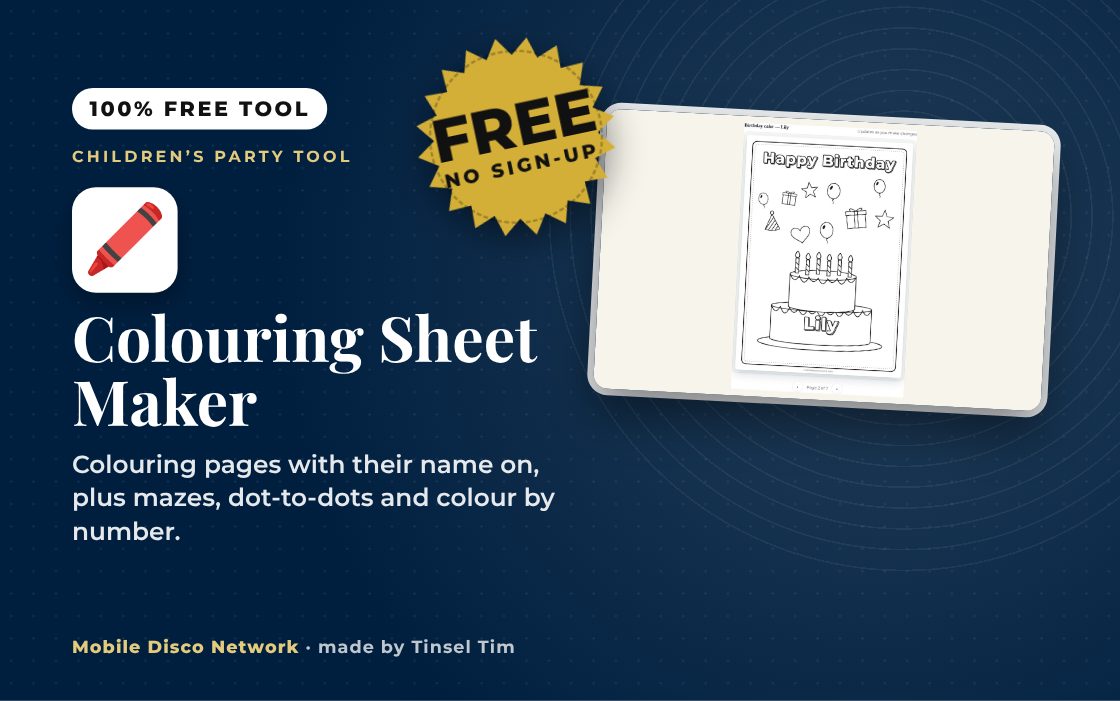
There are eight kinds of page: a name page in bubble letters, a birthday cake with the right number of candles, a disco party scene, count and colour, draw yourself, dot-to-dot, a maze and colour by number. Choose a theme such as space, under the sea, dinosaurs or jungle, and tick only the pages you want in each set.
How do I print the sheets?
Download the print-ready PDF and print on A4 at Actual size or 100%, in black and white. Ordinary printer paper is fine for crayons and pencils. If the children will use felt tips, print on thicker paper of 120 gsm or more so the ink does not bleed through. Add extra blank sets for spares or surprise guests.
Are the children's names stored or uploaded?
No. The names, age and choices you type are only used inside your browser to draw the preview and build the PDF or JPG. Nothing is saved to your device's storage and nothing is sent to Mobile Disco Network or any other server, so the names are gone when you close the page.
How do colouring sheets help at a children's party?
A colouring table gives children a calm place to go between games, which suits younger or quieter guests and anyone who needs a break from the noise. Put out a few pots of crayons, use the named sheets as a welcome activity while everyone arrives, and let them take their sheets home at the end.
Tim’s tip
Set the colouring table up away from the speakers and the main dance area. Children who want a break from the noise can then drift over without leaving the party.

Made by Tim Daymond (Tinsel Tim). Tim has been a DJ since 1976 and has run Mobile Disco Network since 2013. He plays weddings and parties across Norfolk, Suffolk, Cambridgeshire and Lincolnshire. He is a Norfolk County Council Trading Standards Trusted Trader (ID 0000457), a member of the NADJ and the winner of 23 independent awards.
Why choose Tim · Awards · Reviews
Your privacy: this tool runs in your browser. Nothing you type is sent to Mobile Disco Network or stored on a server. Nothing is saved once you close the page.
Free to use, no sign-up. Last reviewed 11 October 2026.
Did this help?
Leave Tim a review
If this tool helped with your celebration planning, we’d love a quick review — whether you’ve booked Tim or not. It helps him keep this toolbox free and build more tools like it.
Leave a review →Party taking shape? Check Tinsel Tim is free for the children’s party. Check your date → WhatsApp Tim